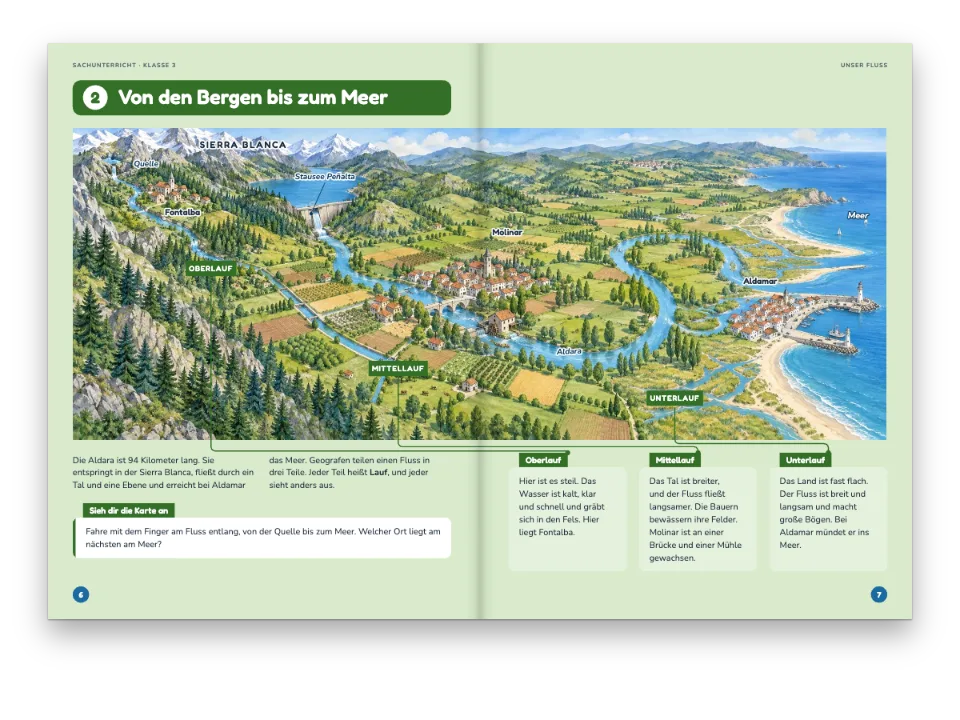
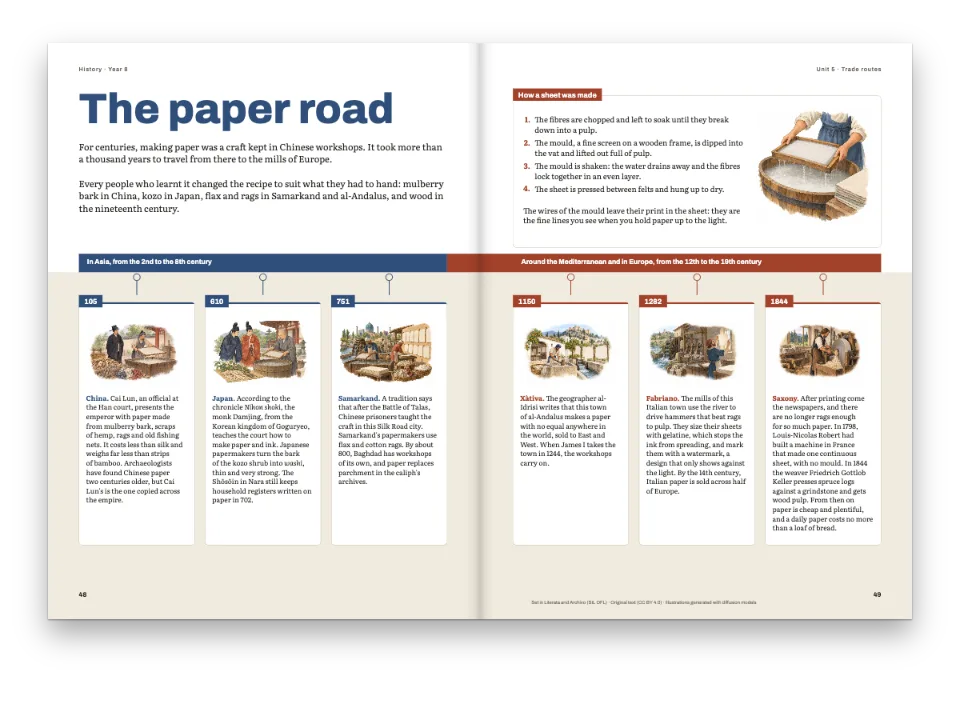
Kurz gesagt
Zwei Seiten aus dem Wegweiser einer Gemeinde: wer wofür zuständig ist, als Schaubild aus Kästen mit Linien, und wo jede Stelle zu finden ist, in Bildreihen. Die Seiten bestehen aus wenigen Bausteinen; das Markdown sagt, wie viele.
Was Sie setzen
Eine Doppelseite aus dem Bürgerwegweiser von Valdeloma, einer erfundenen Gemeinde mit 8.400 Einwohnern. Die linke Seite ist das Organigramm der Gemeinde: Bürgermeisteramt und Gemeinderat in einem roten Kasten, vier Ämter in Grün und unter jedem Amt seine Stellen in hellen Kästen, verbunden durch grüne Linien mit einem Punkt oder Pfeil am Ende. Die rechte Seite zeigt, wo die Stellen sind: zwei Tafeln mit je drei Aquarellen, unter jedem Bild Name, Adresse und Öffnungszeiten, dazu ein Kasten für das Bürgerbüro. Nichts ist von Hand gezeichnet. Die Vorlage enthält drei Module (ein Amt, eine Fototafel und einen Hinweis), und jede Seite stapelt so viele davon, wie ihr Markdown enthält; die Linien folgen den Kästen, wohin der Text sie auch schiebt.
Dieses Rezept beantwortet
- Wie baue ich ein Organigramm und ein Fotoraster aus wiederverwendbaren Modulen, deren Linien die Vorlage zieht?
Die kurze Antwort
// The page template draws the head of the chart and a group that takes the page's modules;
// the module draws one area: its box, a grid of its services and the lines between them.
const area = {
  id: 'area', role: 'module',
  frames: [
    { name: 'concejalia', style: 'area', width: mm(84), placement: at('container', 'top-left') },
    { name: 'servicio', style: 'servicio' }, // repeated: one per :::frame{slot="servicio"}
  ],
  groups: [{ name: 'servicios', kind: 'grid', columns: 3, columnGap: mm(4), rowGap: mm(4),
    repeat: { frames: ['servicio'] }, // rowAlign 'stretch': a row's boxes are one height
    placement: { ...at('#concejalia', 'below', 0, 7), size: { width: 'fill', height: 'fill' } } }],
  decoration: { elements: [
    // From the area down to each of its services: a tree with a bar over the row.
    line({ id: 'rama', routing: 'tree', from: { to: '#concejalia', side: 'bottom' },
      to: { to: '#servicio[*]', side: 'top' }, endCap: 'dot', capSize: mm(1.8) }),
    // From the mayor's box, a frame of the page, to this area: the spine and its branch.
    line({ id: 'tronco', routing: 'elbow', width: pt(1.8),
      from: { to: '#alcaldia', side: 'bottom', at: 0.06 }, to: { to: '#concejalia', side: 'left' },
      endCap: 'arrow', capSize: mm(2.6) }),
  ] },
};
const chart = {
  id: 'organigrama',
  frames: [
    { name: 'titulo', takes: 'h1', width: mm(W), placement: at('container', 'top-left') },
    { name: 'entradilla', flow: true, width: mm(W) },
    { name: 'alcaldia', style: 'alcaldia', width: mm(96) },
  ],
  groups: [{ name: 'cabeza', kind: 'stack', gap: mm(6),
    frames: ['titulo', 'entradilla', 'alcaldia'] },
    { name: 'areas', modules: true, gap: mm(6), placement: { ...at('#alcaldia', 'below', SPINE, 9),
      size: { width: mm(W - SPINE), height: 'fill' } } }],
};
Zutaten
- Funktionen
- Module, auf einer Seite gestapeltVerbinder zwischen RahmenRaster, die Rahmen wiederholenZusammengesetzte SeitenRahmen, die in einer Gruppe wachsenAn Rahmen verankertes DekorKästenGespiegelte RänderKolumnentitel und SeitenzahlenAbbildungen und Tabellen als RessourcenSemantische FarbpaletteSeiten auf einem CanvasPDF-Export
- Nutzt außerdem
- Nummerierte KastenreiterAbbildungen genau hierIm PDF eingebettete SchriftenEigene Ressourcentypen
- Schrift
- Public Sans, Source Serif 4 (SIL OFL 1.1)
- Dateien
biblioteca-900.jpgcentro-mayores-900.jpgmercado-900.jpgmusica-900.jpgpiscina-900.jpgpolideportivo-900.jpg- The reading room of a town library, in watercolour. (Generated With Diffusion Models, eigener Text)
- Children with violins and a piano at a music school, in watercolour. (Generated With Diffusion Models, eigener Text)
- Older people playing cards and painting at a day centre, in watercolour. (Generated With Diffusion Models, eigener Text)
- A covered pool under a timber roof, in watercolour. (Generated With Diffusion Models, eigener Text)
- Children playing basketball in a sports hall, in watercolour. (Generated With Diffusion Models, eigener Text)
- A Saturday market under the arcades of a town square, in watercolour. (Generated With Diffusion Models, eigener Text)
Zubereitung
#1 · Ein Modul je Amt
// The page template draws the head of the chart and a group that takes the page's modules;
// the module draws one area: its box, a grid of its services and the lines between them.
const area = {
  id: 'area', role: 'module',
  frames: [
    { name: 'concejalia', style: 'area', width: mm(84), placement: at('container', 'top-left') },
    { name: 'servicio', style: 'servicio' }, // repeated: one per :::frame{slot="servicio"}
  ],
  groups: [{ name: 'servicios', kind: 'grid', columns: 3, columnGap: mm(4), rowGap: mm(4),
    repeat: { frames: ['servicio'] }, // rowAlign 'stretch': a row's boxes are one height
    placement: { ...at('#concejalia', 'below', 0, 7), size: { width: 'fill', height: 'fill' } } }],
  decoration: { elements: [
    // From the area down to each of its services: a tree with a bar over the row.
    line({ id: 'rama', routing: 'tree', from: { to: '#concejalia', side: 'bottom' },
      to: { to: '#servicio[*]', side: 'top' }, endCap: 'dot', capSize: mm(1.8) }),
    // From the mayor's box, a frame of the page, to this area: the spine and its branch.
    line({ id: 'tronco', routing: 'elbow', width: pt(1.8),
      from: { to: '#alcaldia', side: 'bottom', at: 0.06 }, to: { to: '#concejalia', side: 'left' },
      endCap: 'arrow', capSize: mm(2.6) }),
  ] },
};
const chart = {
  id: 'organigrama',
  frames: [
    { name: 'titulo', takes: 'h1', width: mm(W), placement: at('container', 'top-left') },
    { name: 'entradilla', flow: true, width: mm(W) },
    { name: 'alcaldia', style: 'alcaldia', width: mm(96) },
  ],
  groups: [{ name: 'cabeza', kind: 'stack', gap: mm(6),
    frames: ['titulo', 'entradilla', 'alcaldia'] },
    { name: 'areas', modules: true, gap: mm(6), placement: { ...at('#alcaldia', 'below', SPINE, 9),
      size: { width: mm(W - SPINE), height: 'fill' } } }],
};
Eine Vorlage mit role: 'module' ist ein Modul: ein paar Rahmen, Gruppen und Dekor, gedacht zum Wiederverwenden. Die Organigrammseite hat eine Gruppe mit modules: true, und jedes :::module{template="area"} ihres Markdowns setzt ein weiteres Amt 6 mm unter das vorige. Die Rahmen des Moduls tragen den Namen der Instanz, area[1].concejalia, area[2].concejalia …, darum stehen seine beiden Verbinder nur einmal da: rama, ein Baum (tree) vom Fuß des Amts zu jeder Stelle seines Rasters (#servicio[*]), und tronco, ein Winkel (elbow) von einem Punkt nahe der linken Kante des Bürgermeisterkastens (at: 0.06) zur linken Seite des Amts. #alcaldia ist ein Rahmen der Seite, nicht des Moduls: Das Modul behält dieses Ende, und das Layout findet es auf der Seite, sodass die vier Winkel ihr erstes Stück teilen und sich wie ein einziger Stamm mit einem Pfeil in jedes Amt lesen. Die Stellen sind ein dreispaltiges Raster, das einen Rahmen servicio wiederholt; ein Amt mit zwei Stellen zeichnet also zwei Kästen, und sein Baum hat zwei Äste.
#2 · Tafeln aus Fotokarten
const gallery = {
  id: 'galeria', role: 'module',
  frames: [
    { name: 'cabecera', takes: 'h2', placement: at('container', 'top-left', 4, 4) },
    { name: 'foto', style: 'marco' }, // the photo of a card
    { name: 'pie', style: 'ficha', placement: at('#foto', 'below', 0, 2.5) }, // and its words
  ],
  groups: [{ name: 'fotos', kind: 'grid', columns: 3, columnGap: mm(5), rowGap: mm(6),
    rowAlign: 'start', repeat: { frames: ['foto', 'pie'] },
    placement: { ...at('#cabecera', 'below', 0, 3), size: { width: mm(W - 8), height: 'fill' } } }],
  // The module's own ground: a tint as large as the module, whatever its rows.
  decoration: { elements: [{ kind: 'box', id: 'suelo', decorative: true,
    placement: { ...at('container', 'top-left'), size: { width: 'fill', height: 'fill' } },
    style: { backgroundColor: col('tint'), borderRadius: mm(3) } }] },
};
// A notice box as a module of its own: one frame whose tab grows out of the box (joined).
const notice = { id: 'aviso', role: 'module', frames: [{ name: 'texto', style: 'aviso',
  placement: at('container', 'top-left', 0, 7) }] };
const places = {
  id: 'centros',
  frames: [
    { name: 'titulo', takes: 'h1', width: mm(W), placement: at('container', 'top-left') },
    { name: 'entradilla', flow: true, width: mm(W) },
    { name: 'colofon', style: 'colofon', optional: true, width: mm(W),
      placement: at('container', 'bottom-left', 0, 8) },
  ],
  groups: [{ name: 'cabeza', kind: 'stack', gap: mm(5), frames: ['titulo', 'entradilla'] },
    { name: 'galerias', modules: true, gap: mm(7), placement: { ...at('#entradilla', 'below', 0, 7),
      size: { width: mm(W), height: 'fill' } } }],
};
Auch eine Tafel ist ein Modul: ein Kopfrahmen, der die ##-Überschrift des Moduls aufnimmt, und ein Raster, das einen Satz aus zwei Rahmen wiederholt, das Foto und den Text darunter. Jedes :::frame{slot="foto"} ist eine Karte, und das :::frame{slot="pie"} darin geht an den Text dieser Karte. Der getönte Grund ist Dekor des Moduls, ein Kasten so groß wie das Modul, und wächst deshalb mit den Reihen und der längsten Bildunterschrift. Das Bürgerbüro ist ein drittes Modul, ein Kasten, dessen Reiter joined ist: Reiter und Kasten bilden eine Kontur mit einer Füllung.
#3 · Bilder in ihrer Druckgröße
const ART = {
  biblioteca: t({ es: 'La sala de lectura de la biblioteca, con estanterías de madera y vecinos '
      + 'de todas las edades leyendo en mesas largas.',
    en: 'The library reading room, with wooden shelves and neighbours of every age reading at '
      + 'long tables.' }),
  musica: t({ es: 'Un aula de la escuela de música: niños con violines, una profesora y una niña '
      + 'al piano.',
    en: 'A room of the music school: children with violins, a teacher and a girl at the piano.' }),
  'centro-mayores': t({ es: 'El centro de día: mayores jugando a las cartas y pintando junto a '
      + 'una puerta al jardín.',
    en: 'The day centre: older people playing cards and painting beside a door to the garden.' }),
  piscina: t({ es: 'La piscina cubierta bajo un techo de madera, con nadadores en las calles y un '
      + 'socorrista.',
    en: 'The covered pool under a timber roof, with swimmers in the lanes and a lifeguard.' }),
  polideportivo: t({ es: 'La pista del polideportivo, con niños jugando al baloncesto y gradas a '
      + 'un lado.',
    en: 'The sports hall court, with children playing basketball and stands along one side.' }),
  mercado: t({ es: 'El mercado de los sábados en los soportales de la plaza, con el ayuntamiento '
      + 'al fondo.',
    en: 'The Saturday market under the arcades of the square, with the town hall behind.' }),
};
const resources = await Promise.all(Object.entries(ART).map(async ([id, altText]) => {
  const fileId = `${id}-900.jpg`;
  await loadImage(fileId, asset(fileId));
  return { id, typeId: 'foto', kind: 'bitmap', caption: '', altText, createdAt: 0, updatedAt: 0,
    bitmap: { fileId, format: 'jpeg', width: 900, height: 600, resolution: 400 } };
}));
Die sechs Aquarelle haben 900 × 600 px bei angegebenen 400 ppi, sind also 57 mm breit, etwa so breit wie eine Rasterspalte; das Raster vergrößert sie nie. Ihr Alternativtext steht hier im Skript, weil die Bilder in beiden Ausgaben dieselben sind; eine Bildunterschrift, die sich mit der Sprache ändert, wäre eine ::caption-Zeile im Markdown.
#4 · Ein Grün für Linien und Kästen
const palette = {
  ink: '#1f2b2a', // text
  green: '#1d6b57', // the lines of the chart, the areas' boxes, the headings
  mayor: '#a8452e', // the box at the head of the chart
  tint: '#e6f1ec', // the services' boxes and the galleries' ground
  rule: '#b9cbc3', // the hairline round a service
  muted: '#5c6b67', // running heads and the colophon
  paper: '#ffffff',
};
const col = (id) => ({ hex: palette[id], model: 'hex', paletteId: id });
const colorPalette = [
  ...Object.entries(palette).map(([id, hex]) => ({ id, name: id, value: { hex, model: 'hex' } })),
  { id: 'main-color', name: 'green (defaults)', value: { hex: palette.green, model: 'hex' } },
];
Die Verbinder, die Amtskästen und die Köpfe der Tafeln verwenden green, einen Eintrag der Palette; eine Gemeinde mit einer anderen Farbe ändert also einen einzigen Hexwert. Der Kasten der Gemeindespitze trägt die einzige warme Farbe der Doppelseite, dort, wohin der Blick zuerst fällt.
Das ganze Rezept
// ═══ Postext Cookbook · Nº 162 · An org chart and a photo grid built from modules ═══
// https://postext.dev/en/cookbook/org-chart-from-modules
// Code: MIT · Text: original (CC BY 4.0) · Pictures: generated with diffusion models
// Fonts: Public Sans, Source Serif 4 (SIL OFL 1.1) · Needs postext ≥ 1.48.1
import {
  buildDocument, withLoadedFonts, renderPageToCanvas, registerResourceImage,
} from 'https://esm.sh/postext';
import { renderToPdf, decompressWoff2 } from 'https://esm.sh/postext-pdf';

const LANG = 'en'; // @lang: the language of the sample document ('es' | 'en')
const RECIPE = 'org-chart-from-modules';

// ─── 1 · Design ─────────────────────────────────────────────────────────────
// #region palette: an ink, the town's green for the lines and the areas, a warm mayor's box
const palette = {
  ink: '#1f2b2a', // text
  green: '#1d6b57', // the lines of the chart, the areas' boxes, the headings
  mayor: '#a8452e', // the box at the head of the chart
  tint: '#e6f1ec', // the services' boxes and the galleries' ground
  rule: '#b9cbc3', // the hairline round a service
  muted: '#5c6b67', // running heads and the colophon
  paper: '#ffffff',
};
const col = (id) => ({ hex: palette[id], model: 'hex', paletteId: id });
const colorPalette = [
  ...Object.entries(palette).map(([id, hex]) => ({ id, name: id, value: { hex, model: 'hex' } })),
  { id: 'main-color', name: 'green (defaults)', value: { hex: palette.green, model: 'hex' } },
];
// #endregion

const SANS = 'Public Sans', SERIF = 'Source Serif 4';
const PAGE = { w: 210, h: 297, top: 22, bottom: 22, inner: 18, outer: 15 }; // mm, mirrored
const W = PAGE.w - PAGE.inner - PAGE.outer; // the type area's width: 177 mm
const SPINE = 12; // mm: the room on the left of the areas where the chart's spine runs down
const at = (to, edge, x = 0, y = 0) => ({ anchor: { to, edge }, offset: { x: mm(x), y: mm(y) } });
const line = (more) => ({ kind: 'connector', color: col('green'), width: pt(1.2), radius: mm(2.5),
  ...more });

// #region answer: a module per area of the town hall, stacked by the page's modules group
// The page template draws the head of the chart and a group that takes the page's modules;
// the module draws one area: its box, a grid of its services and the lines between them.
const area = {
  id: 'area', role: 'module',
  frames: [
    { name: 'concejalia', style: 'area', width: mm(84), placement: at('container', 'top-left') },
    { name: 'servicio', style: 'servicio' }, // repeated: one per :::frame{slot="servicio"}
  ],
  groups: [{ name: 'servicios', kind: 'grid', columns: 3, columnGap: mm(4), rowGap: mm(4),
Das zusammengesetzte script.js läuft unverändert: Fügen Sie es in das Modulskript einer beliebigen Seite ein, oder öffnen Sie das Rezept auf CodePen. Ordner des Rezepts auf GitHub ↗ (öffnet sich in einem neuen Tab)
Varianten
#Zwei Spalten für die Stellen
Mit columns: 2 stehen die Stellen jedes Amts zu zweit in einer Reihe; der Baum zieht seinen Querbalken nur über die erste Reihe, nehmen Sie das also für Ämter mit zwei oder vier Stellen.
-  groups: [{ name: 'servicios', kind: 'grid', columns: 3, columnGap: mm(4), rowGap: mm(4),
+ groups: [{ name: 'servicios', kind: 'grid', columns: 2, columnGap: mm(4), rowGap: mm(4),#Die Ecken des Stamms abrunden
radius rundet die Knicke eines Winkels und eines Baums ab: Die Hilfsfunktion line() gibt jedem Verbinder 2,5 mm; mit radius: mm(0) wird das Organigramm eckig.
Häufige Fehler
- Ein Rasterelement ist ein eigener Bereich: Der Text einer Fotokarte gehört nur dann zu ihr, wenn sein
:::frame{slot="pie"}innerhalb des:::frame{slot="foto"}der Karte steht. - Ein Verbinder eines Moduls, der einen Rahmen der Seite nennt, wird nur auf Seiten gezeichnet, die diesen Rahmen haben; auf anderen fällt er weg, und das Umbruchprotokoll meldet
connectorDropped. - Ein verbundener Reiter sitzt auf der Kante des Kastens und übernimmt dessen Füllung: Geben Sie seinem Text eine dunkle
color, denn eine weiße Beschriftung auf einem hellen Kasten ist nicht lesbar.
Nachweise
- Rezept
- Ignacio Ferro
- Text
- A guide to the council services of Valdeloma, an invented town, written for this recipe in Spanish and English · Postext Cookbook · CC BY 4.0
- Bilder
- The reading room of a town library, in watercolour. · Generated With Diffusion Models · eigener Text
- Children with violins and a piano at a music school, in watercolour. · Generated With Diffusion Models · eigener Text
- Older people playing cards and painting at a day centre, in watercolour. · Generated With Diffusion Models · eigener Text
- A covered pool under a timber roof, in watercolour. · Generated With Diffusion Models · eigener Text
- Children playing basketball in a sports hall, in watercolour. · Generated With Diffusion Models · eigener Text
- A Saturday market under the arcades of a town square, in watercolour. · Generated With Diffusion Models · eigener Text
- Schriften
- Public Sans (SIL OFL 1.1) · Source Serif 4 (SIL OFL 1.1)
- Code
- MIT, wie Postext
Diesen Text bearbeiten ↗ (öffnet sich in einem neuen Tab)Ordner des Rezepts auf GitHub ↗ (öffnet sich in einem neuen Tab)