かんたんな説明
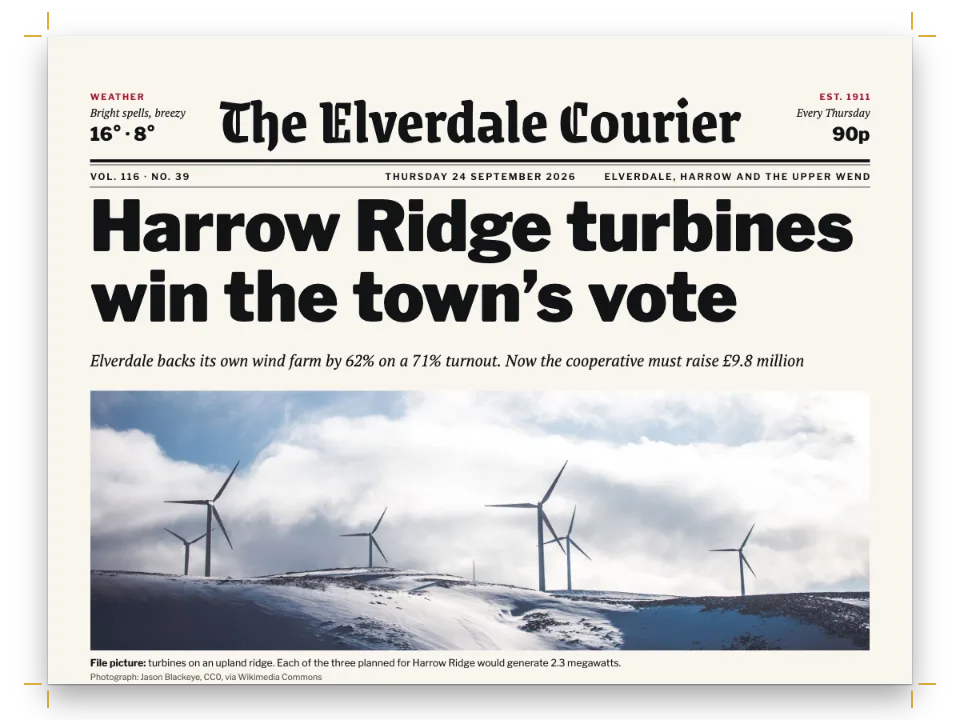
架空の日刊紙の8ページ。最初の4ページはグレーがかった白い紙のニュース面で、続く経済面はサーモン色の紙に、より細い段と独自の色で刷られます。
できあがり
架空の日刊紙『The Marrowick Ledger』の8ページを、315 × 470 mmのベルリナー判に組みます。1〜4ページはグレーがかった白い新聞用紙のニュース面で、罫で区切った5段組み、各ページに赤いセクションのタブが付きます。5ページから紙が変わります。経済面は、金融面が100年以上そうしてきたようにサーモン色の紙に刷られます。ページは#f2d3c0になり、段組みは6段に細くなり、差し色は赤からペトロールに変わり、セクション名の下にその日の終値の帯が入ります。中には、市の指数の1年分と業種別グラフと4つのデータ表を載せた市況面、企業ニュース、株価面があります。Folioの3D表示では2枚の紙が折られて重なり、最後の4ページはサーモン色の紙から出てきます。
このレシピが答える質問
- 3Dビューアーで新聞を折った紙として見せ、経済面をサーモンピンクの紙にするには?
- 表紙、差し込み、口絵などを、本のほかの部分と違う紙で印刷するには?
- 新聞のページを組むには(ブランケット判に5段、2段にまたがる写真、3段にまたがる記事の囲み)?
- 本を部や節に分け、それぞれに専用の色と中扉を付けるには?
手短な答え
// page.backgroundColor links to 'paper', so the section's palette, which turns 'paper' salmon,
// repaints every page of the section: the opener and the pages its copy runs on to.
const business = {
  id: 'business',
  advancedDesign: { enabled: true, slot: { elements: flagParts } },
  // The swap: the page, flags, kickers, the folio line, chart marks and table heads follow.
  palette: { paper: palette.salmon, accent: palette.petrol, tint: '#e6bfa8' },
  // Six narrower columns, ruled as the news pages are.
  layout: { layoutType: 'multiple', columnCount: 6, gutterWidth: mm(4) },
  bodyStyle: { fontSize: pt(8.8), lineHeight: pt(LEAD) },
};
// The section front: the same style, with a bigger flag over the market close strip.
const front = () => ({ ...business, id: 'business-front', advancedDesign: { enabled: true, slot: {
  elements: [depth(10),
    text('title', 'Business', { fontFamily: 'Playfair Display', fontSize: pt(58), fontWeight: 900,
      lineHeight: 1, color: col('accent') }, at('container', 'top-left', 0, -1)),
    text('tag', FLAG, caps(9, 700, 'accent'),
      at('#title', 'right-of', 5, 9)),
    rule('top', 3, at('#title', 'below', 0, 2)),
    ...STRIP().flatMap(([name, value, change], i) => [ // the day's close, from the market data
      text(`s${i}`, name, caps(7, 700, 'muted'), at('#top', 'below', (i * WIDE) / 6, 1.8)),
      text(`v${i}`, value, sans(13, 700), at(`#s${i}`, 'below', 0, 0.6)),
      text(`c${i}`, change, sans(9.5, 600, { color: col(change[0] === '+' ? 'accent' : 'muted') }),
        at(`#v${i}`, 'right-of', 1.6, 1))]),
    rule('under', 0.5, at('#depth', 'align-bottom', 0, -1.4))] } } });
// hook-up: headingStyles lists both, and the Markdown wraps pages 5–8 in
//   :::paper{type="newsprint" shade="#faede6"}   ← the stock Folio prints them on
//   # Business {style="business-front"}  …  # Markets {style="business"}  …  :::
材料
- 機能
- 一部のページだけ別の用紙3段以上の段組み折った新聞(Folio)新聞の判型複数段にまたがるフロート見出しスタイル節ごとのページ構成部ごとの色用紙の色デザインした章扉デザイン要素の基準位置柱とノンブル段間罫段抜きの囲みフロートする囲み囲みの中や本文中の段組み名前付きの表スタイル図の配置その場に置く図用紙、綴じ、机、照明(Folio)
- 種類
- Source Serif 4, Playfair Display, Archivo Narrow (SIL OFL 1.1)
- 素材
apprentices-1536.jpgbakery-1536.jpgbarrier-1800.jpgcartoon-1280.jpgcranes-1800.jpgferry-1536.jpg- The tidal barrier in a storm (page 1) (Generated With Diffusion Models, CC BY 4.0)
- Apprentices welding in the shipyard (page 2) (Generated With Diffusion Models, CC BY 4.0)
- The island ferry leaving Skerra pier (page 3) (Generated With Diffusion Models, CC BY 4.0)
- The editorial cartoon (page 4) (Generated With Diffusion Models, CC BY 4.0)
- Container cranes at dawn (page 5) (Generated With Diffusion Models, CC BY 4.0)
- A bakery production line (page 7) (Generated With Diffusion Models, CC BY 4.0)
- The gate diagram, the port and index charts and the market tables, drawn in code (Ignacio Ferro, CC BY 4.0)
作り方
#1 · 一つのパレットに2種類の紙
const palette = {
  ink: '#16181b', // text and heavy rules
  paper: '#f6f4ef', // the page: grey-white newsprint (salmon in Business)
  accent: '#b3261e', // news red: flags, kickers, chart marks (petrol in Business)
  tint: '#e8e4da', // box fills (a deeper salmon in Business)
  rule: '#9d9a93', // hairlines
  muted: '#5c5954', // bylines, the folio line, credits
  salmon: '#f2d3c0', // the business stock, and the teaser patches on page 1
  petrol: '#0f4c5c', // the business accent
};
const col = (id) => ({ hex: palette[id], model: 'hex', paletteId: id });
const colorPalette = [
  ...Object.entries(palette).map(([id, hex]) => ({ id, name: id, value: { hex, model: 'hex' } })),
  { id: 'main-color', name: 'ink (defaults)', value: { hex: palette.ink, model: 'hex' } },
];
設定のすべての色は、パレットの8項目のいずれかにリンクしています。ニュース面はページにpaper(#f6f4ef)、タブ、袖見出し、グラフの印にaccent(#b3261e)を使います。経済面はリンクはそのままで値だけを変えます。セクションのパレットがpaperをサーモン色に、accentをペトロール(#0f4c5c)に、tintを濃いサーモン色にします。salmonには別の項目があり、第1面の耳と案内帯に使います。これらは白いページの上でもサーモン色のままです。
#2 · 一つの見出しスタイルがページを経済面にする
コードは上の手短な答えにあります。# Markets {style="business"}はセクションを始め、そのページはスタイルのpalette、layout、bodyStyleを受け取ります。段間4 mmの6段(1段45.2 mm、ニュース面は54.6 mm)で、本文は8.8 pt、行送りは同じ11.4 ptです。ページの色もパレットに従います。page.backgroundColorはpaperにリンクしていて、セクションのパレットがpaperに別の値を与えると、そのセクションのすべてのページがその色で塗られます。見出しが始めるページも、記事が送られた先のページも同じです。そのため経済面は端から端までサーモン色になり、段間の罫は、スタイルのlayoutが文書の設定のまま残すので、5段のときと同じように6段の間にも引かれます。
#3 · どのページもタブで始まる
const flagParts = [
  depth(3),
  rule('bar', 3, at('#depth', 'align-bottom', 0, -1.4)),
  text('flag', '{titleText}', { ...caps(12, 700, 'paper'), box: patch('accent', pad(1.3, 3.5)) },
    at('#bar', 'above')),
];
const FOLIO = 9; // mm from the top edge
const folioLine = (parity, side, s) => [ // s: +1 on a verso (folio on the left), −1 on a recto
  text(`n-${parity}`, '{pageNumber}', { ...sans(11, 700), align: side },
    at('page', `top-${side}`, s * M.side, FOLIO)),
  text(`t-${parity}`, '{title} · {publishDate}', { ...caps(7.5, 600, 'muted'), align: side },
    at(`#n-${parity}`, s > 0 ? 'right-of' : 'left-of', s * 3, 1)),
  text(`c-${parity}`, '{chapterTitle}', { ...caps(7.5, 700, 'accent'),
    align: s > 0 ? 'right' : 'left' }, at('page', `top-${s > 0 ? 'right' : 'left'}`,
    -s * M.side, FOLIO + 1)),
].map((element) => ({ ...element, parity }));
const header = { elements: [...folioLine('even', 'left', 1), ...folioLine('odd', 'right', -1),
  { kind: 'rule', id: 'folio-rule', thickness: pt(0.5), color: col('ink'), placement: {
    ...at('page', 'top-left', M.side, FOLIO + 5), size: { width: mm(WIDE) } } }] };
H1はページ幅の扉で、breakBeforeの奇偶は'any'です。どの見出しも、左右を問わず次のページを始めます。デザインは3 ptの太罫に載ったタブで、グリッド3行分の深さです。柱の行はページ上端から9 mmの位置に固定したヘッダーで、外側にノンブル、紙名、日付、内側に差し色の{chapterTitle}を置きます。サーモン色のページではパレットがこれをペトロールに変えます。
#4 · k段にまたがる写真とグラフ
const unnumbered = (id, name, captionStyle) => ({ id, name, shortLabel: name, captionPrefix: '',
  numberingTemplate: '', resetOn: 'never', counterFormat: 'decimal', captionStyle });
const resourceTypes = [unnumbered('picture', 'Picture'),
  unnumbered('panel', 'Panel', { position: 'above', fontSize: pt(9.5) })];
const res = (id, typeId, kind, body, extra) => ({ id, typeId, kind, [kind]: body,
  createdAt: 0, updatedAt: 0, ...extra });
const photo = (id, file, [w, h], placement, resolution) => res(id, 'picture', 'bitmap',
  { fileId: file, format: 'jpeg', width: w, height: h, ...(resolution && { resolution }) },
  { placement, ...CAPTIONS[id] });
const drawing = (id, [w, h], placement) => res(id, 'picture', 'svg',
  { fileId: `${id}.svg`, width: w, height: h }, { placement, ...CAPTIONS[id] });
const data = (id, model, caption, note) => res(id, 'panel', 'table', { model },
  { placement: here, caption, note });
const top = (columns) => ({ position: 'top', columns }); // a float across k columns
const here = { position: 'here' }; // in the flow: in a column, or across a box
const resources = [
  photo('barrier', 'barrier-1800.jpg', [1800, 1106], here), // in the banner box: page-wide
  photo('welders', 'apprentices-1536.jpg', [1536, 1024], top(3)),
  drawing('gate', [1130, 500], top(3)),
  photo('ferry', 'ferry-1536.jpg', [1536, 1024], top(4)),
  photo('cartoon', 'cartoon-1280.jpg', [1280, 853], top(4), 140),
  photo('cranes', 'cranes-1800.jpg', [1800, 750], here),
  drawing('throughput', [1130, 700], top(2)),
  drawing('mx40', [2910, 1000], here), drawing('sectors', [2910, 880], here),
  photo('loaves', 'bakery-1536.jpg', [1536, 1024], top(3)),
  // The tables sit where the text names them: no float.
  ...Object.entries(TABLES).map(([id, [model, caption, note]]) => data(id, model, caption, note)),
  ...SECTORS.map((_, i) => res(`prices-${i + 1}`, 'panel', 'table',
    { styleId: 'prices', model: pricesTable(i, 21) }, { placement: here })),
];
top(3)はplacement: { position: 'top', columns: 3 }のことです。造船所の写真はニュース面5段のうち3段、フェリーは4段、パン工場は経済面6段のうち3段、港のグラフは2段を占めます。第1段の段落から参照したフロートは、その後のまだ空いている段の頭に置かれるので、これらの図は第2段から始まり、記事はその横を下っていきます。ただし、こうした写真が記事にとどまるのは、そのページで下に別の記事を組まない場合だけです。後にページ幅の記事を置くと、写真がその記事の帯へ移ったり、次のページへ送られたりします。そのため2ページと3ページは、もう一本の記事ではなく、下端に浮かせた広告で締めくくっています。ページ全幅の写真は、見出しの囲みの中にインライン(here)で入ります。表も本文の流れの中にあり、下端のページ幅の囲みに収まります。
#5 · 見出し、数字の囲み、データ、広告はどれも囲み
const none = pad(0, 0);
const banner = { id: 'banner', backgroundEnabled: false, padding: none,
  titleStyle: { ...caps(8.5, 700, 'accent'), gap: mm(1.2) }, // the kicker
  marginTop: pt(0), marginBottom: pt(LEAD / 2),
  body: { fontFamily: 'Source Serif 4', fontSize: pt(13), lineHeight: pt(16.5), textAlign: 'left',
    firstLineIndent: pt(0) } };
const story = { ...banner, id: 'story', marginTop: pt(LEAD), padding: { ...none, top: mm(2.5) },
  stripe: { enabled: true, side: 'top', width: pt(1), color: col('ink') } };
const boxBody = { fontFamily: 'Archivo Narrow', fontSize: pt(9.5), lineHeight: pt(LEAD),
  textAlign: 'left', firstLineIndent: pt(0), paragraphSpacing: true, boldColor: col('accent') };
const briefs = { id: 'briefs', background: col('tint'), padding: pad(2.8, 3),
  titleStyle: { ...caps(9, 700, 'accent'), gap: mm(1.5) }, body: boxBody };
const teaser = { ...briefs, id: 'teaser', background: col('salmon'), columnGap: mm(4.5),
  body: { ...boxBody, fontSize: pt(10.5), lineHeight: pt(13.5) } };
const panel = { ...story, id: 'panel', marginTop: pt(0), titleStyle: briefs.titleStyle,
  stripe: { ...story.stripe, width: pt(2.5), color: col('accent') },
  body: { ...boxBody, fontFamily: 'Source Serif 4' } };
const dataBox = { ...story, id: 'data', marginTop: pt(0), columnGap: mm(4.5) };
const ad = { id: 'ad', backgroundEnabled: false, marginTop: pt(LEAD),
  border: { enabled: true, color: col('ink'), width: pt(0.75) },
  padding: { ...pad(6, 6), top: mm(3) },
  titleStyle: { ...caps(6.5, 600, 'muted'), gap: mm(4) },
  body: { ...boxBody, fontSize: pt(14), lineHeight: pt(18), boldColor: col('ink') } };
const pullQuote = { ...story, id: 'quote', columns: 2, marginTop: pt(0),
  body: { ...banner.body, fontFamily: 'Playfair Display', fontSize: pt(19), lineHeight: pt(23),
    italic: true } }; // a pull quote, floated across two columns
const headline = (id, size, look = {}) => ({ id, fontSize: pt(size), lineHeight: pt(size * 1.04),
  marginBottom: pt(size * 0.2), ...look });
ページ幅の見出しは、3つのサイズのいずれかのH2を入れた枠なしのページ幅の囲みで、上の1 ptの罫が次の記事を示します。5ページの囲みThe terminal in numbersは6段のうち2段にまたがってフロートします(開始行にcolumns="2")。4ページの引用の囲みは、スタイルのcolumns: 2で同じことをしています。データの囲みは:::columnsのグループで2〜4の表を横に並べ、広告は下端にフロートするページ幅の囲みで、0.75 ptの罫で囲みます。
#6 · Folioが刷る紙
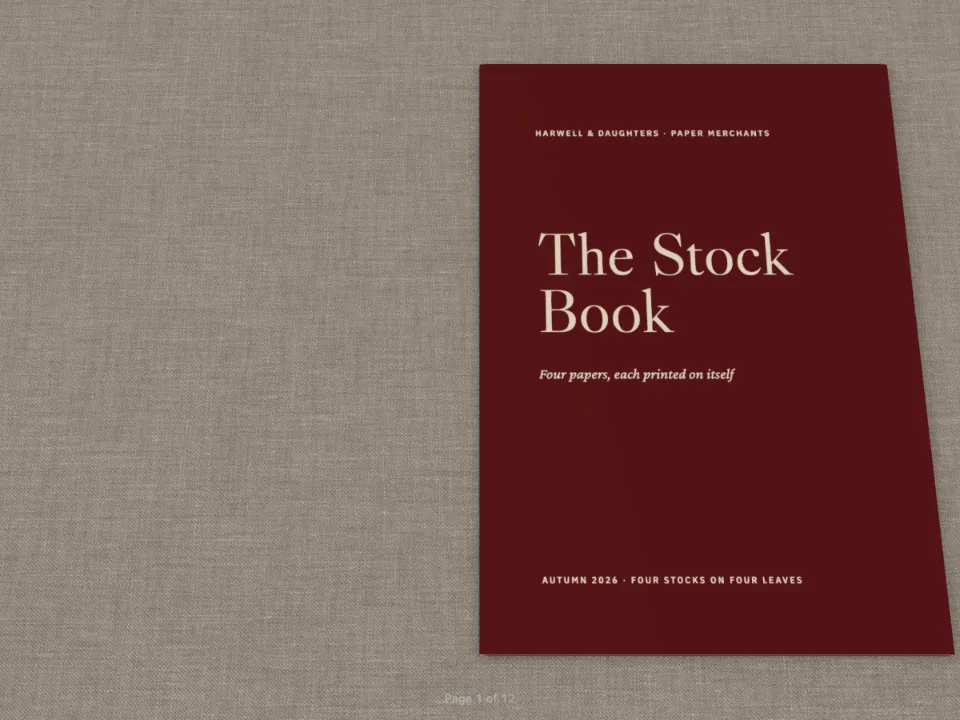
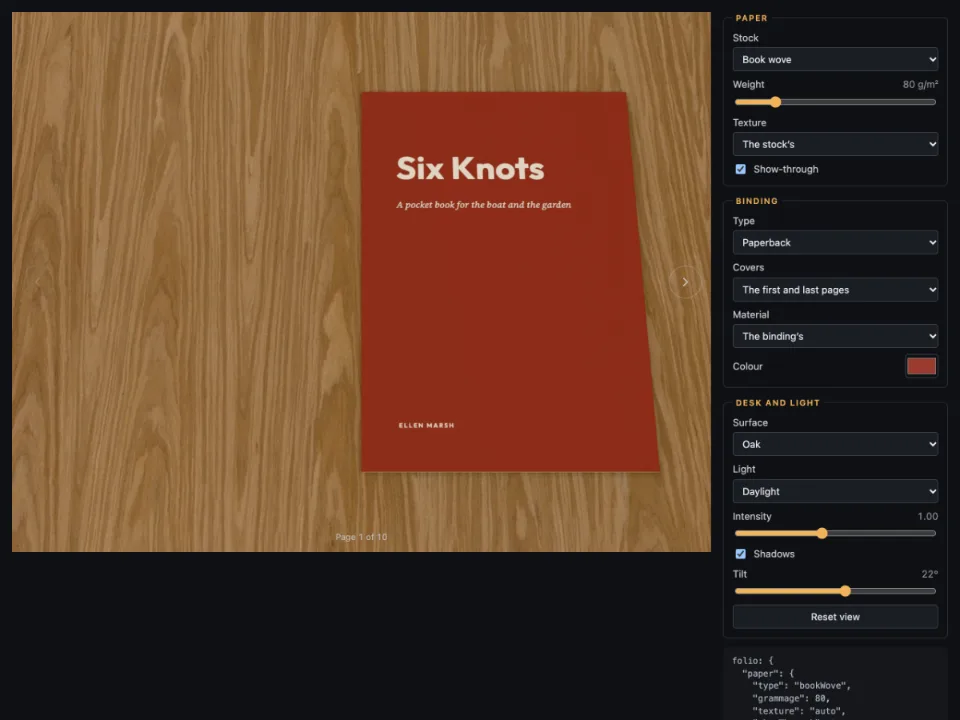
ニュース面には何も要りません。folio.paperは45 g/m²の新聞用紙で、binding: { type: 'folded', cover: 'pages' }が2枚の折った紙を重ね、1ページが外側、8ページが裏面になります。経済面は一つのブロックに入れます。
:::paper{type="newsprint" shade="#faede6"}
# Business {style="business-front"}
…
# Share prices {style="business"}
…
:::ブロック内の各ページはこの色合いのpage.paperが設定され、Folioはその紙に刷ります。色合いはページの色を白へ60 %寄せたものです(README §4)。平面のページはすでに#f2d3c0を塗っているので、その下にサーモン色の紙をそのまま敷くと二重に色が付きます。Canvas、HTML、PDFは:::paperを無視してページの色を塗るので、セクションのパレットでpaperも変えます。
レシピの全体
// ═══ Postext Cookbook · Nº 134 · A business section on salmon newsprint ═══
// https://postext.dev/en/cookbook/business-section-on-salmon
// Code: MIT · Text: original (CC BY 4.0) · Pictures: generated (CC BY 4.0)
// Fonts: Source Serif 4, Playfair Display, Archivo Narrow (SIL OFL 1.1) · Needs postext ≥ 1.65.0
//
// Eight pages: four of news in five columns, then Business on salmon paper in six.
// One heading style carries the change; a :::paper run gives Folio the salmon stock.
import {
  buildDocumentWithFonts, renderPageToCanvas, registerResourceImage, inlineSvgFonts,
} from 'https://esm.sh/postext';

const LANG = 'en'; // @lang: the language of the sample document ('en' | 'es')
const RECIPE = 'business-section-on-salmon';

// ─── 1 · Design ───
// #region palette: newsprint, ink and a news red; the Business section swaps three of them
const palette = {
  ink: '#16181b', // text and heavy rules
  paper: '#f6f4ef', // the page: grey-white newsprint (salmon in Business)
  accent: '#b3261e', // news red: flags, kickers, chart marks (petrol in Business)
  tint: '#e8e4da', // box fills (a deeper salmon in Business)
  rule: '#9d9a93', // hairlines
  muted: '#5c5954', // bylines, the folio line, credits
  salmon: '#f2d3c0', // the business stock, and the teaser patches on page 1
  petrol: '#0f4c5c', // the business accent
};
const col = (id) => ({ hex: palette[id], model: 'hex', paletteId: id });
const colorPalette = [
  ...Object.entries(palette).map(([id, hex]) => ({ id, name: id, value: { hex, model: 'hex' } })),
  { id: 'main-color', name: 'ink (defaults)', value: { hex: palette.ink, model: 'hex' } },
];
// #endregion
const PAGE = { width: 315, height: 470 }; // mm: the 'berliner' preset
const M = { top: 19, bottom: 14, side: 12 }; // mm: narrow newspaper margins, not mirrored
const WIDE = PAGE.width - 2 * M.side; // the text block's width
const LEAD = 11.4; // pt: the body leading, the same in both sections so the grid holds
const at = (to, edge, x = 0, y = 0) => ({ anchor: { to, edge }, offset: { x: mm(x), y: mm(y) } });
const text = (id, content, look, placement) => ({ kind: 'text', id, content, align: 'left',
  overflow: 'wrap', color: col('ink'), ...look, placement }); // no text ends in an ellipsis
const sans = (size, weight = 400, look = {}) => ({ fontFamily: 'Archivo Narrow',
  fontSize: pt(size), fontWeight: weight, ...look });
const caps = (size, weight, colour = 'ink') => sans(size, weight, { color: col(colour),
  textTransform: 'uppercase', letterSpacing: pt(size * 0.16) });
const rule = (id, weight, placement) => ({ kind: 'rule', id, thickness: pt(weight),
  color: col('ink'), placement: { ...placement, size: { width: 'fill' } } });
const box = (id, style, placement, size) => ({ kind: 'box', id, style, placement: { ...placement,
  size } }); // an empty box a whole number of grid lines deep sets an opener's depth:
const depth = (lines) => box('depth', {}, at('container', 'top-left'), { width: 'fill',
組み立てたscript.jsはそのまま動きます。任意のページのモジュールスクリプトに貼り付けるか、レシピをCodePenで開いてください。 GitHub上のレシピのフォルダー ↗ (新しいタブで開きます)
アレンジ
#紙だけ替えて段組みはそのままにする
paletteだけがありlayoutのない見出しスタイルは、文書の罫入り5段組みをそのまま使い、それでもセクションのすべてのページを塗ります。{ id: 'weekend', palette: { paper: '#efe6cf' } }なら週末版をクリーム色の新聞用紙に刷れます。そのページも:::paperのブロックに入れ、色合いを白へ60 %寄せておけば、Folioはそろいの紙に刷ります。
#経済面を抜き出せる別刷りにする
8ページは2枚の紙に折られ、一方が他方の中に入ります。外側の紙が1〜2と7〜8ページ、内側の紙が3〜6ページです。Folioは各葉にその奇数ページの紙を使うので、7、8ページはサーモン色になりますが、輪転機ならこれを第1面と同じ紙に刷ります。経済面を3〜6ページに移すと内側の1枚になり、輪転機はサーモン色の紙に刷れ、読者はまるごと抜き出せます。
よくあるつまずき
つまずき
ページ幅の見出しは必ず新しいページを始める
階層やスタイルでspan: 'page'を設定した見出しは、breakBeforeの有無にかかわらず、ページの頭の章扉として組まれます。ほかのテキストのあとや、同じページの別の章扉のあとに置くと、次のページに移り、現在のページの残りは空になります。題字の下で両段(縦組みのページなら上下両段)にまたがる大見出しは、題字と並べて章扉自身のデザインに入れるか、spanを指定しない見出しとして:::callout{span="page"}の囲みに入れてください。newspaper-front-pageの大見出しはこの方法で組んでいます。 デザインした章扉 →
つまずき
用紙の区間は新しいページで始まり新しいページで終わる。丁は奇数ページの用紙を使う
:::paperの中のテキストは新しいページから始まり、そのあとのテキストも新しいページから始まります。丁は2ページで1枚の用紙(その奇数ページの用紙)なので、偶数ページから始まる区間では、そのページは共有する丁の用紙で印字されます。区間を奇数ページから始めたい位置に改ページを入れてください。 一部のページだけ別の用紙 →
つまずき
cover: 'pages'で裏表紙を作るにはページ数が偶数でなければならない
binding.coverを'pages'にすると、最初のページが表表紙としてめくれますが、最後のページが裏表紙としてめくれるのは、それが偶数ページに来るときだけです。ページ数が奇数だと、表表紙はあるのに裏表紙のない本になります。ページを足して偶数にするか、ケース装のままにしてください。 用紙、綴じ、机、照明(Folio) →
クレジット
- 本文
- 書き下ろしの文章, CC BY 4.0
- 画像
- The tidal barrier in a storm (page 1) · Generated With Diffusion Models · CC BY 4.0
- Apprentices welding in the shipyard (page 2) · Generated With Diffusion Models · CC BY 4.0
- The island ferry leaving Skerra pier (page 3) · Generated With Diffusion Models · CC BY 4.0
- The editorial cartoon (page 4) · Generated With Diffusion Models · CC BY 4.0
- Container cranes at dawn (page 5) · Generated With Diffusion Models · CC BY 4.0
- A bakery production line (page 7) · Generated With Diffusion Models · CC BY 4.0
- The gate diagram, the port and index charts and the market tables, drawn in code · Ignacio Ferro · CC BY 4.0
- フォント
- Source Serif 4 (SIL OFL 1.1) · Playfair Display (SIL OFL 1.1) · Archivo Narrow (SIL OFL 1.1)