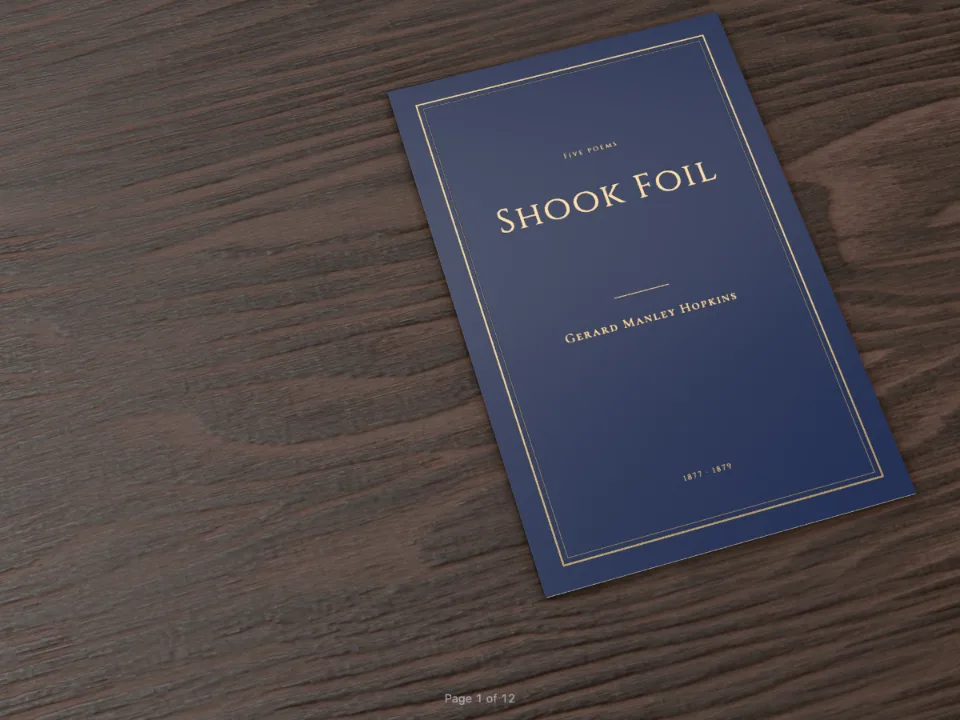
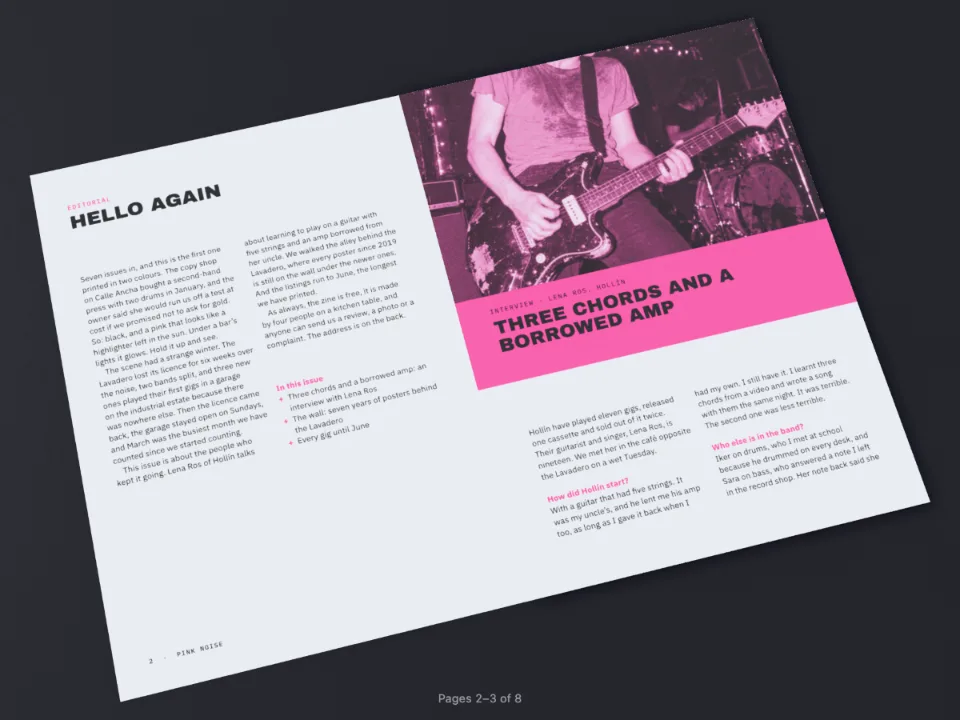
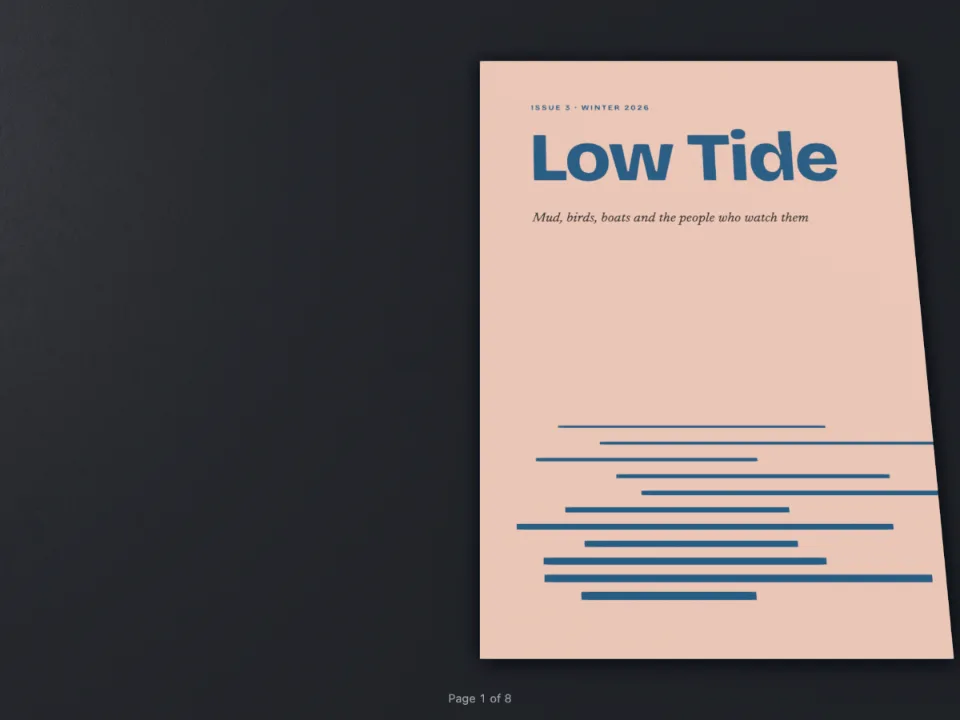
かんたんな説明
全ページにビロードのような手ざわりのコーティング、写真と題字だけにつやのあるコーティングをかけた写真誌です。ニスには色がないので画面では普通のページに見え、3Dビューと校正用のビューでどこにかかっているかがわかります。
できあがり
架空の写真誌『Long Light』の第14号です。210 × 280 mmの6ページで、無線綴じ。全ページにソフトタッチニスをかけます。紙のつやを消してしっとりと沈ませる、ビロードのような加工です。5枚の写真と題字の上には印刷所が2つ目のニス、グロスを重ね、まわりのページが静かなまま写真だけが光を拾うようにします。どちらのニスにも色はありません。キャンバスには刷り上がりどおりのページが表示され、Folioの横に並ぶ表紙の3つのビューで版とつやがわかります。Folioはスタジオの照明の下、大理石のテーブルに雑誌を開いて置き、ページをめくるとグロスがきらりと光ります。
このレシピが答える質問
- 全ページにソフトタッチニス、写真だけに部分グロスニスをかけるには?
手短な答え
// A varnish is a spot ink: its own plate in the PDF, clear on screen. Soft touch goes over
// the whole sheet, the gloss over the pictures and the masthead. Both overprint by default,
// so neither cuts a hole in the colours under it. Each has a hex of its own all the same:
// a print render tells inks apart by their hex.
const varnish = (hex, name, sheen) => ({ hex, model: 'spot',
  spot: { name, cmyk: { c: 0, m: 0, y: 0, k: 0 }, finish: { kind: 'varnish', sheen } } });
const palette = {
  velvet: varnish('#e9e4f0', 'Soft-touch varnish', 'softTouch'),
  gloss: varnish('#e4f0ee', 'Spot UV gloss', 'gloss'),
  // The colours that print: a near-black, a slate for the bands, the paper.
  ink: { hex: '#1d1d22', model: 'cmyk', cmyk: { c: 30, m: 20, y: 10, k: 95 } },
  slate: { hex: '#262b3a', model: 'cmyk', cmyk: { c: 80, m: 65, y: 35, k: 60 } },
  muted: { hex: '#6c6a70', model: 'cmyk', cmyk: { c: 0, m: 5, y: 0, k: 65 } },
  paper: { hex: '#ffffff', model: 'hex' },
};
// The ink table names both varnishes as the order to the printer will.
const PRINT = { standard: 'pdfx4', outputProfile: 'fogra51', convertImages: false, inks: [
  { name: 'Soft-touch varnish', finish: { kind: 'varnish', sheen: 'softTouch' } },
  { name: 'Spot UV gloss', finish: { kind: 'varnish', sheen: 'gloss' } }] };
材料
- 機能
- 特殊インキ特色とインキ表CMYKとグレースケールのPDF3Dの本のビューアー(Folio)用紙、綴じ、机、照明(Folio)セマンティックカラーパレット表紙、扉、奥付見出しスタイルデザインした章扉ページデザインのテキスト・罫・ボックスページデザインの画像柱とノンブルPDFの書き出しキャンバス上のページ
- 種類
- Bodoni Moda, Source Serif 4, Source Sans 3 (SIL OFL 1.1)
- 素材
dusk-560.jpgfog-800.jpgnets-1100.jpgroad-1100.jpgsaltflat-800.jpg- A walker on a salt flat at dusk, on the cover (Generated With Diffusion Models, オリジナル)
- A fisherman mending a net (Generated With Diffusion Models, オリジナル)
- Pines in morning fog (Generated With Diffusion Models, オリジナル)
- A desert road between mesas (Generated With Diffusion Models, オリジナル)
- The salt flat at sunset, on the back cover (Generated With Diffusion Models, オリジナル)
作り方
#1 · ニスはどれも加工つきの特色
コードは上の手短な答えにあります。ニスとは加工がvarnishの特色で、つやの種類を持ちます。ビロードにはsoftTouch、部分UVにはglossです(加工)。PDF/X-4のファイルはそれぞれを専用のSeparationに置くので、印刷所には4枚のプロセス版の隣に2枚のニス版が届きます。画面ではニスは何も描きませんが、それでも専用のhexが必要です。印刷用のレンダリングはインキをhexで見分けるからです。ニスは初期設定でオーバープリントになるので、どちらも下の色を抜きません。
#2 · 全ページにソフトタッチ
// The page's footer carries it, so every page has it. A varnish goes down last on press, and
// nothing painted after it cuts it away. The cover and the back keep it alone.
const velvet = { kind: 'box', id: 'velvet', style: { backgroundColor: col('velvet') },
  placement: at('bleed', 'top-left', 0, 0, { width: 'fill', height: 'fill' }) };
ソフトタッチは、ニスで塗った裁ち落としから裁ち落としまでのボックス1つです。フッターに持たせるので、どのページにも同じ場所から入ります。印刷機ではニスは最後に、すべての上に刷られ、PDFでもページが後から描いたものがニスを抜くことはありません。ボックスをヘッダーの先頭に置いて本文やノンブルより前に描いても、それらは版の上でニスの下に収まります。表紙と裏表紙にはノンブルがなく、フッターはボックスだけを持ちます。
#3 · 写真にグロス
// The gloss box comes after the picture, so it lies on top; being a varnish it paints
// nothing on the canvas, and in the PDF it overprints the picture on a plate of its own.
const glossed = (resourceId, placement, focus) => [
  { kind: 'image', id: 'photo', resourceId, fit: 'cover', placement, ...(focus && { focus }) },
  { kind: 'box', id: 'shine', style: { backgroundColor: col('gloss') }, placement },
];
写真はどれも画像で、その上に同じ大きさのグロスのボックスを重ねます。ボックスは後に置くので上に来ます。版の上では写真をぴったり覆う長方形になり、部分UVの版はこうして作ります。
#4 · 題字を2回組む
const BAND = 222; // mm from the top of the bleed to the slate band
const masthead = (id, color) => text(id, '{titleText}', { fontFamily: DISPLAY, fontWeight: 700,
  fontSize: pt(84), lineHeight: 0.9, align: 'center', color },
at('page', 'top-left', 0, 12, { width: mm(TRIM_W) }));
const cover = { id: 'cover', numbered: false, toc: false, span: 'page',
  footer: { elements: [velvet] }, advancedDesign: { enabled: true, minHeight: mm(230),
    slot: { elements: [
      ...glossed('saltflat', at('bleed', 'top-left', 0, 0, { width: 'fill',
        height: mm(BAND + 3) }), { x: 0.5, y: 0.62 }),
      { kind: 'box', id: 'band', style: { backgroundColor: col('slate') },
        placement: at('bleed', 'top-left', 0, BAND, { width: 'fill', height: mm(70) }) },
      masthead('title', col('paper')), masthead('title-gloss', col('gloss')),
      text('issue', '{attr.issue}', { ...label(8, col('paper')), align: 'center' },
        at('page', 'top-left', 0, 46, { width: mm(TRIM_W) })),
      text('lines', '{attr.lines}', { fontFamily: SERIF, fontSize: pt(12), lineHeight: 1.35,
        color: col('paper') }, at('page', 'top-left', MARGIN.outer, BAND + 4,
        { width: mm(150) })),
    ] } } };
題字は同じ位置にある2つのテキスト要素です。ひとつは紙白で写真から白抜きにし、もうひとつはその上にグロスで重ねます。グロスのほうは画面に何も描かず、版に文字の形を渡すだけです。刷り上がった表紙では、光る空の上で題字が光ります。
#5 · 加工ビューとFolio
// 'flat' paints the inks and leaves the varnish out; 'map' marks the special plates in false
// colour (varnish in cyan) over a faded page; 'sheen' sweeps a light across the page.
const views = document.createElement('section');
views.id = 'finish-views';
views.style.cssText = 'display: flex; gap: 16px; justify-content: center; padding: 16px';
const VIEWS = { flat: t({ en: 'As it prints', es: 'Como se imprime' }),
  map: t({ en: 'The varnish plates', es: 'Las planchas de barniz' }),
  sheen: t({ en: 'Under a raking light', es: 'Con luz rasante' }) };
for (const [finishes, name] of Object.entries(VIEWS)) {
  const [figure, canvas, caption] = ['figure', 'canvas', 'figcaption']
    .map((tag) => document.createElement(tag));
  figure.style.margin = '0';
  canvas.style.width = '260px';
  canvas.setAttribute('role', 'img');
  canvas.setAttribute('aria-label', `${t({ en: 'The cover', es: 'La cubierta' })}: ${name}`);
  renderPageToCanvas(doc.pages[0], doc, canvas, { scale: 520 / doc.pages[0].width, finishes });
  caption.textContent = name;
  figure.append(canvas, caption);
  views.append(figure);
}
document.getElementById('pages').before(views);
const folio = {
  tilt: 26, yaw: -18,
  paper: { type: 'coatedMatte', grammage: 150 },
  binding: { type: 'paperback', cover: 'pages' },
  surface: { type: 'marble' },
  lighting: { environment: 'studio', intensity: 1.15 },
};
renderPageToCanvasはfinishesオプションを受け取ります。'flat'が初期値で、刷り上がりどおりのページを表示します。'map'はページを薄くし、特殊な版をそれぞれ疑似カラーで示します。ニスはシアンで、グロスはソフトタッチより明るく出ます。'sheen'はページの上に光を走らせます。Folioも同じ加工マスクを読みます。グロスはハイライトを拾い、ソフトタッチはそれを消します。
レシピの全体
// ═══ Postext Cookbook · Nº 192 · Spot gloss over a soft-touch magazine ═════════════════
// https://postext.dev/en/cookbook/spot-uv-photo-magazine
// Code: MIT · Text: original (CC BY 4.0) · Photographs: diffusion models
// Fonts: Bodoni Moda, Source Serif 4, Source Sans 3 (SIL OFL 1.1) · Needs postext ≥ 1.85.1
//
// A photography magazine whose pages are coated in a soft-touch varnish, with a gloss
// varnish laid over the photographs and the masthead only: the spot UV a printer sells as
// the contrast between a velvet page and a shining picture. Varnish puts no colour on the
// page, so the canvas shows the pages as they print and the finish views show the varnish.
import {
  buildDocumentWithFonts, renderPageToCanvas, registerResourceImage,
} from 'https://esm.sh/postext';
import { renderToPdf, decompressWoff2 } from 'https://esm.sh/postext-pdf';
import { createFolioFromDocument } from 'https://esm.sh/postext-folio';

const LANG = 'en'; // @lang: the language of the sample document ('en' | 'es')
const RECIPE = 'spot-uv-photo-magazine';

// ─── 1 · Design ─────────────────────────────────────────────────────────────
// #region answer: two varnishes, each a spot ink with a finish
// A varnish is a spot ink: its own plate in the PDF, clear on screen. Soft touch goes over
// the whole sheet, the gloss over the pictures and the masthead. Both overprint by default,
// so neither cuts a hole in the colours under it. Each has a hex of its own all the same:
// a print render tells inks apart by their hex.
const varnish = (hex, name, sheen) => ({ hex, model: 'spot',
  spot: { name, cmyk: { c: 0, m: 0, y: 0, k: 0 }, finish: { kind: 'varnish', sheen } } });
const palette = {
  velvet: varnish('#e9e4f0', 'Soft-touch varnish', 'softTouch'),
  gloss: varnish('#e4f0ee', 'Spot UV gloss', 'gloss'),
  // The colours that print: a near-black, a slate for the bands, the paper.
  ink: { hex: '#1d1d22', model: 'cmyk', cmyk: { c: 30, m: 20, y: 10, k: 95 } },
  slate: { hex: '#262b3a', model: 'cmyk', cmyk: { c: 80, m: 65, y: 35, k: 60 } },
  muted: { hex: '#6c6a70', model: 'cmyk', cmyk: { c: 0, m: 5, y: 0, k: 65 } },
  paper: { hex: '#ffffff', model: 'hex' },
};
// The ink table names both varnishes as the order to the printer will.
const PRINT = { standard: 'pdfx4', outputProfile: 'fogra51', convertImages: false, inks: [
  { name: 'Soft-touch varnish', finish: { kind: 'varnish', sheen: 'softTouch' } },
  { name: 'Spot UV gloss', finish: { kind: 'varnish', sheen: 'gloss' } }] };
// #endregion
const col = (id) => ({ ...palette[id], paletteId: id });
const colorPalette = [...Object.entries(palette).map(([id, value]) => ({ id, name: id, value })),
  { id: 'main-color', name: 'ink (defaults)', value: palette.ink }];

const [TRIM_W, TRIM_H] = [210, 280];
const MARGIN = { top: 18, bottom: 20, inner: 18, outer: 16 };
const LEAD = 13.6; // pt
const [DISPLAY, SERIF, SANS] = ['Bodoni Moda', 'Source Serif 4', 'Source Sans 3'];
組み立てたscript.jsはそのまま動きます。任意のページのモジュールスクリプトに貼り付けるか、レシピをCodePenで開いてください。 GitHub上のレシピのフォルダー ↗ (新しいタブで開きます)
アレンジ
よくあるつまずき
- ニスにほかの色と同じhexを付けると、その色として刷られます。ニスにはそれぞれ、ほかで使っていないhexを付けます。
- 全面のニスを仕上がりの線までで止めると、紙が少しずれて断裁されたときに縁にニスのない帯が残ります。ここのボックスのように裁ち落としまで伸ばします。
- ソフトタッチはニスではなくラミネート(PP貼り)として扱われることがよくあります。印刷所にどの版名がよいかを聞き、インキ表の
pdfNameで指定します。
クレジット
- 本文
- 書き下ろしの文章, CC BY 4.0
- 画像
- A walker on a salt flat at dusk, on the cover · Generated With Diffusion Models · オリジナル
- A fisherman mending a net · Generated With Diffusion Models · オリジナル
- Pines in morning fog · Generated With Diffusion Models · オリジナル
- A desert road between mesas · Generated With Diffusion Models · オリジナル
- The salt flat at sunset, on the back cover · Generated With Diffusion Models · オリジナル
- フォント
- Bodoni Moda (SIL OFL 1.1) · Source Serif 4 (SIL OFL 1.1) · Source Sans 3 (SIL OFL 1.1)