かんたんな説明
短い法令の対照資料です。法律の旧い文言を、削られた語に線を引き、新しい語に下線を引いて示し、そのあと改正後の節全体を灰色の囲みに入れます。
できあがり
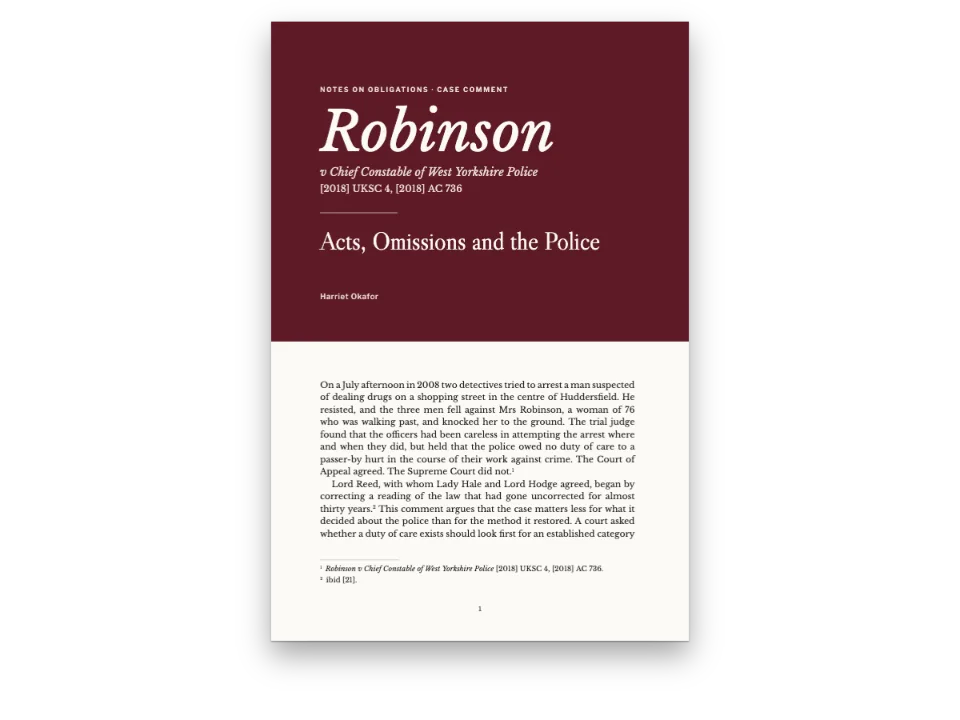
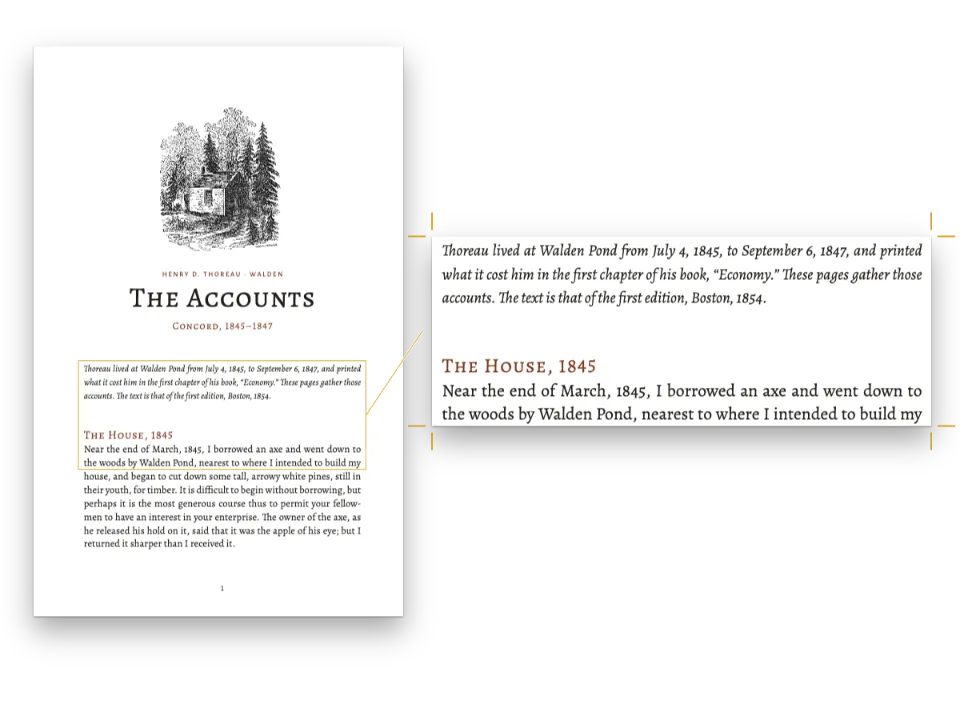
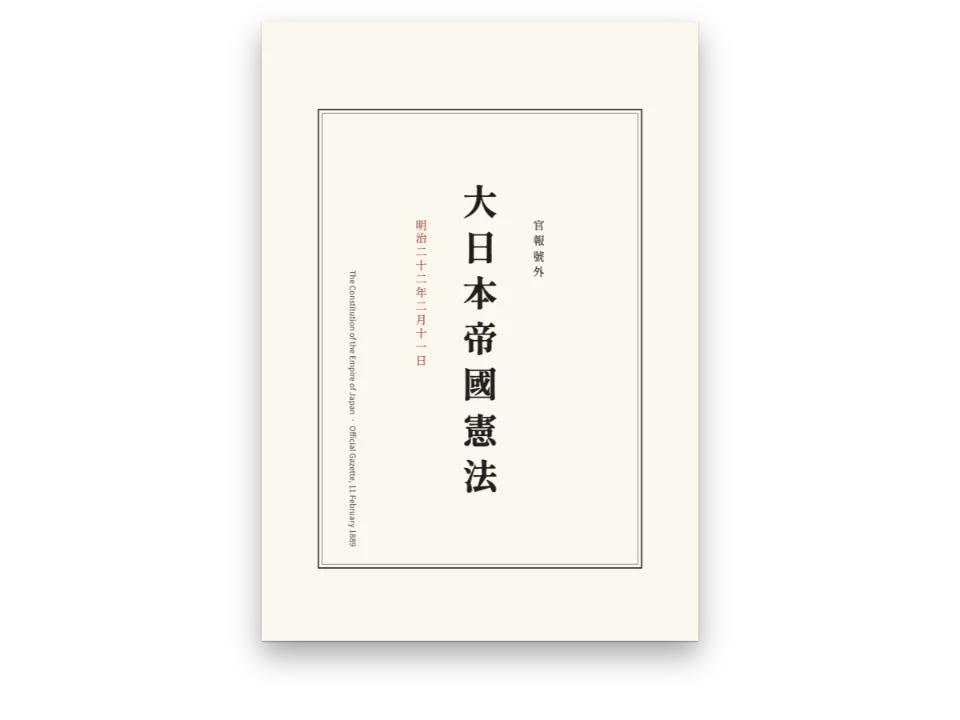
法案に添えて配られる委員会資料です。1998年のソニー・ボノ著作権保護期間延長法の第102条が、合衆国法典第17編をどう変えたかを5ページで示します。法律そのものは「“fifty”を削り“70”を加える」と書くだけです。この資料では改正前の法律を組み、変更のある箇所ごとに、削る語に取り消し線、加える語に下線を引きます。上には、連邦や州の立案担当者がこうした文書の頭に刷る凡例を置きます。そのあと改正後の第302条を淡い色の囲みに入れ、各項の記号を囲みの端に、本文と折り返しの行をその内側にぶら下げてそろえます。スペイン語版は、1992年、2011年、2024年に官報(BOE)で公布されたスペイン憲法の3回の改正を同じ方法で組みます。
このレシピが答える質問
- 改正を、削る語に取り消し線、加える語に下線を引いて示すには?
手短な答え
// In the text, ~~fifty~~ strikes a deleted word and :underline[70] underlines the new one.
// Both lines are painted from the face's own metrics and take no room, so the struck and
// the inserted words justify and hyphenate like any others. The amended text then sits in
// a box whose paragraphs hang: '(a)', a tab, and every turnover line under the text.
const label = { fontFamily: SANS, fontSize: pt(7.5), fontWeight: 700, letterSpacing: pt(1.1),
  textTransform: 'uppercase', color: col('accent') };
const clauses = { fontFamily: SERIF, fontSize: pt(9.5), lineHeight: pt(13), color: col('ink'),
  boldColor: col('ink'), italicColor: col('ink'), textAlign: 'left', // a box's measure is short
  hangingIndent: HANG, // every line but the first starts 7 mm in (postext ≥ 1.71)
  tabStops: [{ position: HANG }] }; // and the tab after the marker takes the text there
const pad = (v, h) => ({ top: mm(v), right: mm(h), bottom: mm(v), left: mm(h) });
const calloutStyles = [
  // The coding legend: a red rule down its side, the label face.
  { id: 'legend', backgroundEnabled: false,
    stripe: { enabled: true, side: 'left', width: pt(2.5), color: col('accent') },
    padding: pad(1.5, 3.5), body: { fontFamily: SANS, fontSize: pt(9), lineHeight: pt(12.5),
      color: col('ink'), boldColor: col('accent'), firstLineIndent: pt(0), textAlign: 'left' } },
  // The bill's own words: a red rule on top, clauses hung, no tint.
  { id: 'bill', backgroundEnabled: false,
    stripe: { enabled: true, side: 'top', width: pt(2.5), color: col('accent') },
    padding: pad(2.5, 0), body: clauses, keepTogether: false, // it may run on to the next page
    // its title keeps its case: "(b)" stays "(b)"
    titleStyle: { ...label, textTransform: 'none', letterSpacing: pt(0.2), fontSize: pt(8.5),
      color: col('ink') } },
  // The text as amended: a tint, the clauses hung the same way.
  { id: 'amended', background: col('tint'), padding: pad(3.5, 4.5), titleStyle: label,
    body: clauses },
];
材料
- 機能
- 取り消し線下線囲みの中のぶら下げ段落タブストップとリーダー囲み分割する囲み、分割しない囲みセマンティックカラーパレットデザインした章扉見出しの属性柱とノンブルページの役割ごとの柱見開きの余白段落スタイルウィドウ、オーファン、ラントPDFの書き出しPDFに埋め込むフォント
- 種類
- Source Serif 4, Source Sans 3 (SIL OFL 1.1)
- 素材
- なし:画像はすべてコードで描画
作り方
#1 · 変更はその場所で示す
コードは上の手短な答えです。印はMarkdownに書きます。~~fifty~~ :underline[70] で旧い語に取り消し線を、新しい語に下線を引きます(取り消し線、下線)。どちらの線も幅を取らないので、6行にわたって線を引いた条項も、まわりの本文と同じように両端そろえとハイフネーションを受けます。3ページでは旧い第304条(b)項全体に取り消し線を引き、差し替えの文言に下線を引いて、ひとつの段落に収めています。線はフォントそのものの取り消し線と下線の値で引かれ、色は文字と同じなので、見出しのスモールキャップスにはその高さに合った線が付きます。
#2 · 囲みの中で項をぶら下げる
囲みスタイルの body.hangingIndent は、囲みのすべての段落をぶら下げにします(囲みの中の文字組み)。1行目は囲みの内側の端から始まり、2行目以降は7 mm内側に下がります。同じ7 mmにタブ位置を置くと、「(a)」や「(c)」に続く本文が、記号の幅にかかわらずその位置にそろいます。そこでMarkdownには (a):tab In General.—… と書きます。法案の条項と改正後の条文は同じ文字組みで、枠だけが違います。法案の上には赤い罫、現行の条文の後ろには地色です。法案の囲みは分割してよい(keepTogether: false)ので、1ページはその最初の2項で終わります。
#3 · 扉の帯
const at = (to, edge, x = 0, y = 0) => ({ anchor: { to, edge }, offset: { x: mm(x), y: mm(y) } });
const BAND = 66; // mm from the trim top to the foot of the band
const opener = { enabled: true, minHeight: mm(BAND - 22 + 6), marginBottom: pt(0), slot: {
  elements: [
    { kind: 'box', id: 'band', style: { backgroundColor: col('band') },
      placement: { ...at('bleed', 'top-left'), size: { width: 'fill', height: mm(BAND + 3) } } },
    { kind: 'text', id: 'kicker', content: '{attr.kicker}', ...label, color: col('pale'),
      placement: { ...at('container', 'top-left', 0, 6), size: { width: mm(112) } } },
    { kind: 'text', id: 'title', content: '{titleText}', fontFamily: SERIF, fontWeight: 700,
      fontSize: pt(30), lineHeight: 1.05, color: col('paper'), align: 'left',
      placement: { ...at('#kicker', 'below', 0, 3), size: { width: mm(112), height: 'auto' } } },
    { kind: 'text', id: 'dek', content: '{attr.dek}', fontFamily: SERIF, italic: true,
      fontSize: pt(10.5), lineHeight: 1.3, color: col('pale'), align: 'left',
      placement: { ...at('#title', 'below', 0, 3.5), size: { width: mm(104), height: 'auto' } } },
  ] } };
紺の帯はページの上と左右に裁ち落としで広がり、見出しラベルとリード文は見出し行の属性から取ります(見出しの属性)。minHeight は凡例の始まる位置を決め、帯の数ミリ下になります。
#4 · 偶数・奇数ページで分ける柱
const head = (id, content, parity, edge, x, extra = {}) => ({
  kind: 'text', id, content, parity, pages: 'body', fontFamily: SANS, fontSize: pt(7.5),
  fontWeight: 600, letterSpacing: pt(1.1), textTransform: 'uppercase', color: col('muted'),
  placement: { anchor: { to: 'page', edge }, offset: { x: mm(x), y: mm(13) } }, ...extra });
const folio = { fontWeight: 700, color: col('ink') };
const header = { elements: [
  head('verso-folio', '{pageNumber}', 'even', 'top-left', OUTER, folio),
  head('verso-title', '{title}', 'even', 'top-left', OUTER + 8),
  head('recto-title', '{firstMark.h2}', 'odd', 'top-right', -(OUTER + 8)),
  head('recto-folio', '{pageNumber}', 'odd', 'top-right', -OUTER, folio),
] };
const footer = { elements: [head('drop-folio', '{pageNumber}', 'all', 'top', 0,
  { ...folio, pages: 'opener', placement: at('container', 'top', 0, 9) })] };
偶数ページには資料の題名を、奇数ページにはそのページが始まる部分の名を置きます。後者はページの最初の第2レベルの見出しから読み取ります。pages: 'body' で扉には柱を出さず、扉には代わりに下部にノンブルを置きます。
レシピの全体
// ═══ Postext Cookbook · Nº 182 · An amendment shown struck through and underlined ═════
// https://postext.dev/en/cookbook/amendment-redline
// Code: MIT · Text: Pub. L. 105-298 and 17 U.S.C. (US Gov., PD); Constitución Española (BOE)
// Fonts: Source Serif 4, Source Sans 3 (SIL OFL 1.1) · Needs postext ≥ 1.73.0
// A comparative print: the law as it stood, each deletion ~~struck through~~ and each
// insertion :underline[underlined], then the amended text in a box whose clauses hang.
import { buildDocumentWithFonts, renderPageToCanvas } from 'https://esm.sh/postext';
import { renderToPdf, decompressWoff2 } from 'https://esm.sh/postext-pdf';

const LANG = 'en'; // @lang: the language of the sample document ('en' | 'es')
const RECIPE = 'amendment-redline';

// ─── 1 · Design ─────────────────────────────────────────────────────────────
// #region palette: a government-print navy, one red for rules and labels
const palette = {
  ink: '#1b1d22', // text: a cool near-black
  band: '#1f2b47', // the opener's band: navy
  accent: '#a1321f', // labels, stripes, the legend's rule
  tint: '#eef0f4', // the box of the amended text
  rule: '#c7ccd6', // hairlines
  muted: '#5d6370', // running heads, notes, colophon
  paper: '#ffffff',
  pale: '#c9d2e6', // the kicker and the standfirst on the band
};
const col = (id) => ({ hex: palette[id], model: 'hex', paletteId: id });
const colorPalette = [
  ...Object.entries(palette).map(([id, hex]) => ({ id, name: id, value: { hex, model: 'hex' } })),
  { id: 'main-color', name: 'accent (defaults)', value: { hex: palette.accent, model: 'hex' } },
];
// #endregion
const SERIF = 'Source Serif 4', SANS = 'Source Sans 3';
const TRIM = [152, 229], INNER = 20, OUTER = 17; // mm: a 6 × 9 in committee print
const LEAD = 14; // pt: the body leading
const HANG = mm(7); // how far the clauses of a box hang: the width of "(a)" and a space

// #region answer: the marks live in the Markdown; the boxes hang their clauses
// In the text, ~~fifty~~ strikes a deleted word and :underline[70] underlines the new one.
// Both lines are painted from the face's own metrics and take no room, so the struck and
// the inserted words justify and hyphenate like any others. The amended text then sits in
// a box whose paragraphs hang: '(a)', a tab, and every turnover line under the text.
const label = { fontFamily: SANS, fontSize: pt(7.5), fontWeight: 700, letterSpacing: pt(1.1),
  textTransform: 'uppercase', color: col('accent') };
const clauses = { fontFamily: SERIF, fontSize: pt(9.5), lineHeight: pt(13), color: col('ink'),
  boldColor: col('ink'), italicColor: col('ink'), textAlign: 'left', // a box's measure is short
  hangingIndent: HANG, // every line but the first starts 7 mm in (postext ≥ 1.71)
  tabStops: [{ position: HANG }] }; // and the tab after the marker takes the text there
const pad = (v, h) => ({ top: mm(v), right: mm(h), bottom: mm(v), left: mm(h) });
const calloutStyles = [
組み立てたscript.jsはそのまま動きます。任意のページのモジュールスクリプトに貼り付けるか、レシピをCodePenで開いてください。 GitHub上のレシピのフォルダー ↗ (新しいタブで開きます)
アレンジ
#加える語を ++text++ と書く
plusUnderline をオンにすると、++70++ は :underline[70] と同じく下線になります。Pandocやmarkdown-itが挿入された文字に使う書き方です。
     textAlign: 'justify', firstLineIndent: mm(4.5), indentAfterHeading: false,
+ plusUnderline: true, // ++text++ underlines; C++ in the text is then written C\+\+#法案の条項を分けない
keepTogether: false を外すと、囲みはまるごと2ページに移り、1ページはそれを導く行で終わります。
-    padding: pad(2.5, 0), body: clauses, keepTogether: false, // it may run on to the next page
+ padding: pad(2.5, 0), body: clauses,よくあるつまずき
- 数字とピリオドで始まる段落(
2. Solamente…)は箇条書きの項目として読まれ、ピリオドの前にバックスラッシュを置くとそれがそのまま印刷されます。スペイン語版では、本文では数字とピリオドの間にワードジョイナー(U+2060)を入れ、囲みではピリオドのすぐ後にタブを書いて1.:tabとします。これは箇条書きの記号にはなりません。 - 色だけではコピーに耐えません。こうした資料はコピーで回ることが多いものです。取り消し線と下線は白黒でも読めるので、立案担当者はこれを選びました。
クレジット
- 本文
- Section 102 of the Sonny Bono Copyright Term Extension Act (Pub. L. 105-298, 112 Stat. 2827, 1998) and sections 302–304 of title 17, United States Code, as in force in 1997 · United States Congress · パブリックドメイン
- Articles 13.2, 49 and 135 of the Spanish Constitution in their 1978 wording and the reforms of 1992, 2011 and 2024 (official texts, not subject to copyright under art. 13 LPI) · Cortes Generales, Boletín Oficial del Estado · パブリックドメイン
- The editor’s notes, the coding legends and the colophons · Ignacio Ferro · CC BY 4.0
- フォント
- Source Serif 4 (SIL OFL 1.1) · Source Sans 3 (SIL OFL 1.1)