简单来说
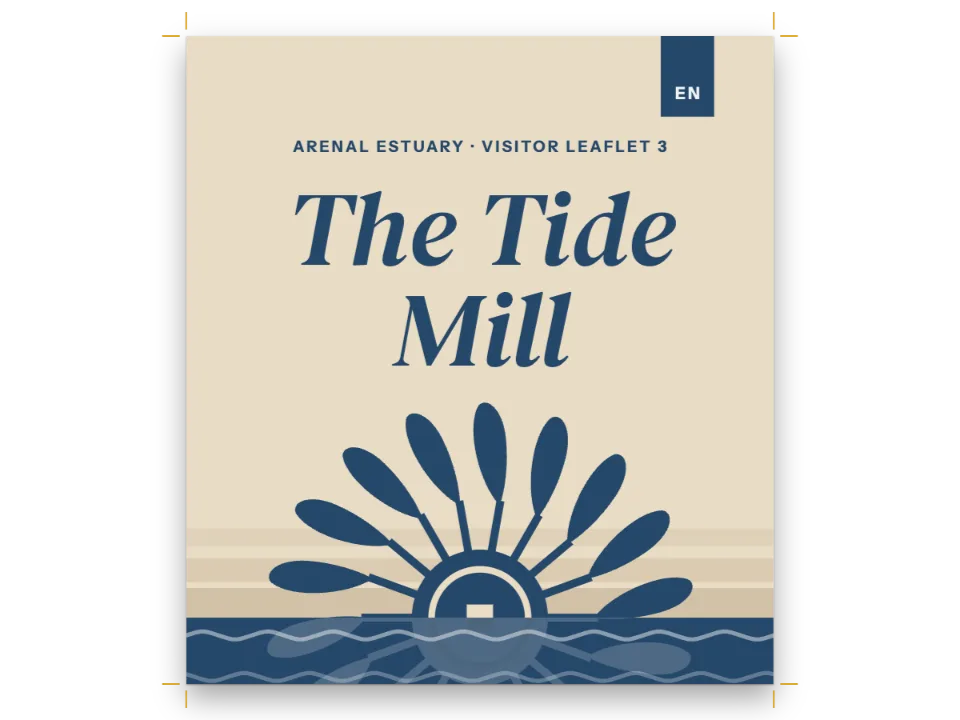
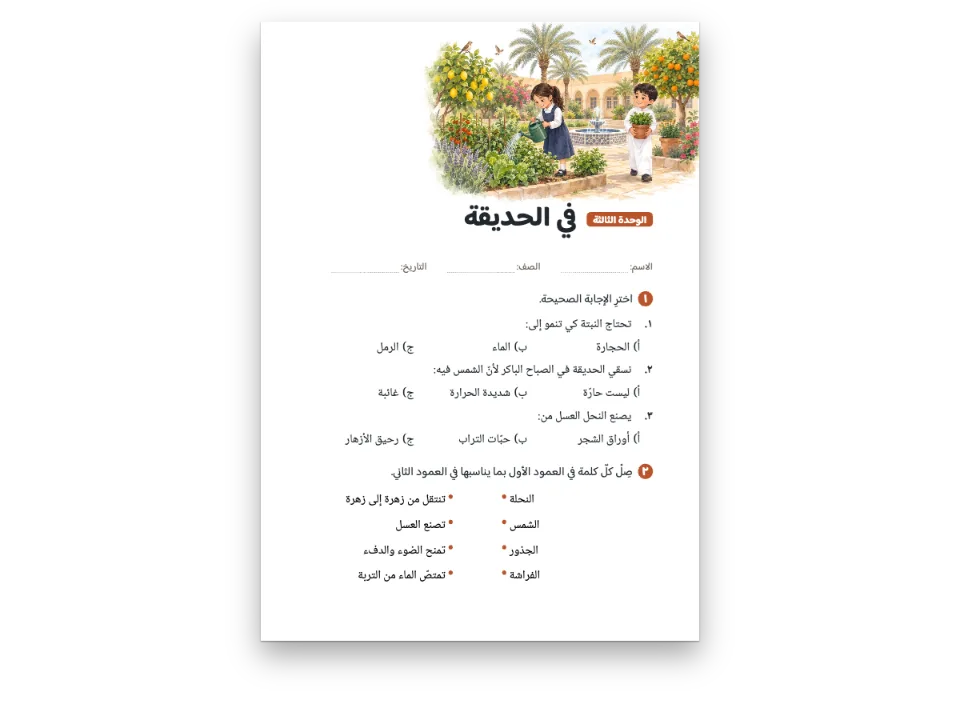
一本介绍三件古代星盘的小册子,印成英文、西班牙文和阿拉伯文三版。三版共用一套设计,只有阿拉伯文版换了字体和字号。
成品一览
一本A5四页的小册子,介绍大都会艺术博物馆的三件星盘:1291年造于也门,1654年造于伊朗,1462年造于欧洲。出版方印英文、西班牙文和阿拉伯文三版,三版是同一套设计。封面照片、黄铜色小标题、带竖条的方框、正文绕排的插图和深色表头都来自同一套设置。阿拉伯文版只改属于它的文字的部分:用Amiri和IBM Plex Sans Arabic代替Source Serif和Source Sans,字号更大,标签不用大写也不加字距。它从右往左读,在右侧装订,不需要一个自己的坐标。
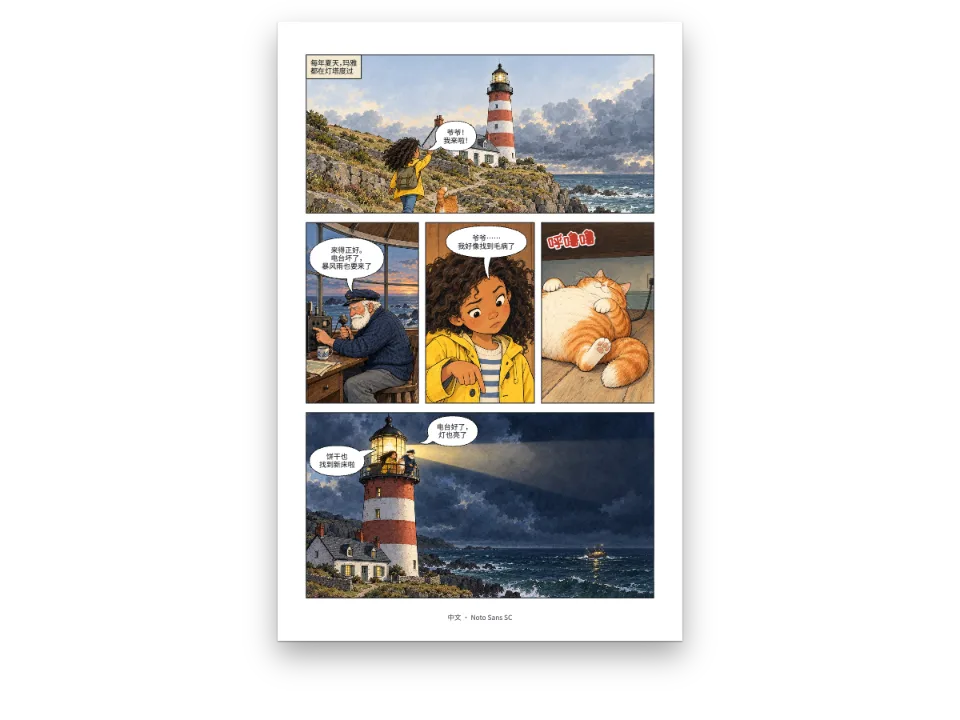
本食谱的西班牙文和阿拉伯文版可以在对应语言的页面看到;可与同一页漫画用六种语言重新嵌字对照。
这道食谱解答
- 怎样让一本书的多语种版本共用一套设计,只改各语言的字体、断词、引号和标签?
- 怎样用一个项目出版同一本书的两种语言版本?
简短回答
const ARABIC_LABEL = { fontFamily: 'IBM Plex Sans Arabic', letterSpacing: pt(0),
  textTransform: 'none' }; // Arabic letters join: never tracked, and they have no capitals
// English and Spanish need nothing more than their locale: it picks the hyphenation patterns
// and the words of the figure and table labels. Arabic sets the faces of its script.
const overrides = {
  ar: {
    bodyText: { fontFamily: 'Amiri', fontSize: pt(12), lineHeight: pt(19),
      firstLineIndent: em(1.5) },
    headings: { fontFamily: 'Amiri', fontWeight: 700,
      levels: [{ level: 2, fontSize: pt(15), lineHeight: pt(24) }] },
    // Lists keyed by id merge entry by entry: only these fields of these elements change.
    headingStyles: [{ id: 'cover', advancedDesign: { slot: { elements: [
      { id: 'kicker', ...ARABIC_LABEL, fontSize: pt(10) },
      { id: 'title', fontFamily: 'Amiri', fontWeight: 700, fontSize: pt(50), lineHeight: 1.25 },
      { id: 'facts', ...ARABIC_LABEL, fontSize: pt(9.5) },
    ] } } }],
    header: { elements: ['verso-folio', 'verso-title', 'recto-title', 'recto-folio']
      .map((id) => ({ id, ...ARABIC_LABEL, fontSize: pt(9) })) },
    calloutStyles: [{ id: 'note', titleStyle: { ...ARABIC_LABEL, fontSize: pt(10) },
      body: { fontSize: pt(11.5), lineHeight: pt(19) } }],
    tableStyle: { headerFontFamily: 'IBM Plex Sans Arabic', headerFontSize: pt(9),
      bodyFontFamily: 'IBM Plex Sans Arabic', bodyFontSize: pt(9.4) },
    captionStyle: { fontFamily: 'IBM Plex Sans Arabic', fontSize: pt(9) },
    paragraphStyles: [{ id: 'colophon', fontFamily: 'IBM Plex Sans Arabic', fontSize: pt(8.4),
      lineHeight: pt(13) }],
  },
};
const edition = mergeConfigLayers(config, overrides[LANG]); // config itself for en and es
用料
- 功能
- 各语言覆盖设置从右向左的文字阿拉伯文字体右翻书生成数字所用的数码断词与文档语言用你的语言显示“图”和“表”封面、扉页和版权页标题样式标题属性页面设计中的图片书眉与页码图片和框的文字绕排标注框表格样式题注样式语义调色板导出PDF
- 类型
- Source Serif 4, Source Sans 3, Amiri, IBM Plex Sans Arabic(SIL OFL 1.1)
- 素材
mashhad-800.jpgrasulid-cover-1400.jpgregiomontanus-800.jpg- Astrolabe of ʿUmar ibn Yusuf, Yemen, 1291 (the cover; background extended at the top and darkened) (The Metropolitan Museum of Art, CC0 1.0)
- Muhammad Zaman, planispheric astrolabe, Iran, 1654–55 (cropped) (The Metropolitan Museum of Art, CC0 1.0)
- Astrolabe attributed to Regiomontanus, 1462 (cropped) (The Metropolitan Museum of Art, CC0 1.0)
做法
#1 · 通用设置和三份小小的覆盖
代码见上方的简短回答。config保存通用设置;mergeConfigLayers把某一版的覆盖逐字段叠在上面。英文和西班牙文没有覆盖:它们的locale决定断词规则,以及Figure、Table或Figura、Tabla这些词。阿拉伯文的覆盖只写单个字段:bodyText.fontFamily换了字体,颜色、对齐和断词设置照旧;封面的kicker元素换了字体和字距,锚点、颜色和大小照旧。在config里改调色板或页边距,三版都会跟着变。
#2 · 按文字方向命名左右
// An even page's outer edge is its start side in either direction (the left of an English
// verso, the right of an Arabic one), an odd page's its end side.
const head = (id, content, parity, edge, x, extra = {}) => ({ kind: 'text', id, content,
  parity, pages: 'body', fontFamily: LABEL, fontSize: pt(7.5), fontWeight: 600,
  letterSpacing: pt(1.1), textTransform: 'uppercase', color: col('muted'),
  align: edge.endsWith('start') ? 'start' : 'end',
  placement: { anchor: { to: 'page', edge }, offset: { x: mm(x), y: mm(12) } }, ...extra });
const folio = { fontWeight: 700, color: col('brass') };
const header = { elements: [
  head('verso-folio', '{pageNumber}', 'even', 'top-start', 16, folio),
  head('verso-title', '{title}', 'even', 'top-start', 24),
  head('recto-title', '{subtitle}', 'odd', 'top-end', -24),
  head('recto-folio', '{pageNumber}', 'odd', 'top-end', -16, folio),
] };
偶数页的外侧在两种方向下都是行首,奇数页的外侧都是行尾,所以top-start和top-end在英文左页和阿拉伯文左页上都把页码放在外侧。方框的竖条是side: 'start',封面文字锚定在top-start:都不需要覆盖。
#3 · 插图放在行尾,正文绕排
const photo = (id, file, w, h, extra = {}) => ({ id, typeId: 'figure', kind: 'bitmap',
  createdAt: 0, updatedAt: 0, ...extra,
  bitmap: { fileId: file, format: 'jpeg', width: w, height: h } });
// 'end' is the right of an English column and the left of an Arabic one.
const wrapped = { position: 'here', wrap: 'end', width: 0.38 };
const note = (n) => `The Met, ${n}, CC0`;
const resources = [
  photo('rasulid', 'rasulid-cover-1400.jpg', 1400, 1985),
  photo('mashhad', 'mashhad-800.jpg', 800, 1187, { placement: wrapped, note: note('63.166a–j'),
    caption: t({ en: 'Planispheric astrolabe, Iran, 1654–55. Brass and steel.',
      es: 'Astrolabio planisférico, Irán, 1654-1655. Latón y acero.',
      ar: 'أسطرلاب مسطّح، إيران، ١٠٦٥\u00a0هـ / ١٦٥٤–١٦٥٥\u00a0م. نحاس أصفر وفولاذ.' }),
    altText: t({ en: 'A brass astrolabe whose rete is a lattice of leaves and scrolls',
      es: 'Un astrolabio de latón cuya red es un enrejado de hojas y volutas',
      ar: 'أسطرلاب من النحاس الأصفر عنكبوته شبكة من الأوراق والأغصان الملتفّة' }) }),
  photo('regiomontanus', 'regiomontanus-800.jpg', 800, 1083,
    { placement: wrapped,
    note: note('2025.347a–j'),
    caption: t({ en: 'Astrolabe attributed to Regiomontanus, 1462. Copper alloy.',
      es: 'Astrolabio atribuido a Regiomontano, 1462. Aleación de cobre.',
      ar: 'أسطرلاب يُنسب إلى ريجيومونتانوس، ١٤٦٢\u00a0م. سبيكة نحاسية.' }),
    altText: t({ en: 'A round brass astrolabe with Latin star names on its rete',
      es: 'Un astrolabio redondo de latón con nombres latinos de estrellas en la red',
      ar: 'أسطرلاب مستدير من النحاس عليه أسماء نجوم لاتينية' }) }),
];
wrap: 'end'把照片放在英文栏的右侧、阿拉伯文栏的左侧,正文在旁边排。图注和替代文字用各版的语言;阿拉伯文图注先写伊斯兰历年份。
#4 · 表格用各版的文字和数字
const row = (...cells) => cells.map((content) => ({ content }));
const head2 = (...cells) => cells.map((content) => ({ content, isHeader: true }));
resources.push({ id: 'three', typeId: 'table', kind: 'table', createdAt: 0, updatedAt: 0,
  placement: { position: 'here' },
  caption: t({ en: 'The three instruments.', es: 'Los tres instrumentos.',
    ar: 'الأدوات الثلاث.' }),
  table: { model: { headerRowCount: 1, columnWidths: [1.15, 1.1, 1.2, 1.1], rows: t({
    en: [head2('Made', 'Where', 'Maker', 'Size'),
      row('1291', 'Yemen', 'ʿUmar ibn Yūsuf', '15.6 cm wide'),
      row('1654–55', 'Iran, Mashhad?', 'Muhammad Zaman', '21.6 cm high'),
      row('1462', 'Germany or Italy', 'Regiomontanus', '13.5 cm high')],
    es: [head2('Fecha', 'Lugar', 'Autor', 'Tamaño'),
      row('1291', 'Yemen', 'ʿUmar ibn Yūsuf', '15,6 cm de ancho'),
      row('1654-1655', 'Irán, ¿Mashhad?', 'Muhammad Zaman', '21,6 cm de alto'),
      row('1462', 'Alemania o Italia', 'Regiomontano', '13,5 cm de alto')],
    ar: [head2('التاريخ', 'المكان', 'الصانع', 'المقاس'),
      row('٦٩٠\u00a0هـ / ١٢٩١\u00a0م', 'اليمن', 'عمر بن يوسف', 'عرضه ١٥٫٦\u00a0سم'),
      row('١٠٦٥\u00a0هـ / ١٦٥٤\u00a0م', 'إيران، مشهد؟', 'محمد زمان', 'ارتفاعه ٢١٫٦\u00a0سم'),
      row('١٤٦٢\u00a0م', 'ألمانيا أو إيطاليا', 'ريجيومونتانوس', 'ارتفاعه ١٣٫٥\u00a0سم')] }) } } });
表格数据是内容,随版本而变:阿拉伯文版用阿拉伯-印度数字和阿拉伯小数点,西班牙文版用小数逗号。表格样式是通用的:覆盖里只设了阿拉伯文的字体和字号。
完整食谱
// ═══ Postext Cookbook · Nº 178 · One design for three language editions ═══════════
// https://postext.dev/en/cookbook/shared-design-per-language
// Code: MIT · Text: original (CC BY 4.0) · Photographs: The Met, Open Access (CC0)
// Fonts: Source Serif 4, Source Sans 3, Amiri, IBM Plex Sans Arabic (OFL) · Needs postext ≥ 1.65.0
import {
  buildDocument, withLoadedFonts, renderPageToCanvas, registerResourceImage, mergeConfigLayers,
} from 'https://esm.sh/postext';
import { renderToPdf, decompressWoff2 } from 'https://esm.sh/postext-pdf';

const LANG = 'en'; // @lang: the edition: 'en' | 'es' | 'ar'
const RECIPE = 'shared-design-per-language';

// ─── 1 · Design ─────────────────────────────────────────────────────────────
// #region palette: night ink, the brass of the instruments, a parchment tint
const palette = {
  ink: '#1f2230', // text: a blue near-black
  brass: '#80561c', // the one accent: kickers, rules, the box stripe (6.2:1 on paper)
  tint: '#f4eee2', // the box ground
  rule: '#cfc5b2', // hairlines
  muted: '#6a655c', // running heads, credits
  paper: '#ffffff',
};
const col = (id) => ({ hex: palette[id], model: 'hex', paletteId: id });
const colorPalette = [
  ...Object.entries(palette).map(([id, hex]) => ({ id, name: id, value: { hex, model: 'hex' } })),
  { id: 'main-color', name: 'brass (defaults)', value: { hex: palette.brass, model: 'hex' } },
];
// #endregion
const [TEXT, LABEL] = ['Source Serif 4', 'Source Sans 3'];
const PAGE = { w: 148, h: 210 }; // mm: an A5 booklet
const LEAD = 14; // pt

// #region cover: the photograph to the trim, the title on its dark head
const at = (edge, x, y, width) => ({ anchor: { to: 'page', edge },
  offset: { x: mm(x), y: mm(y) }, ...(width ? { size: { width: mm(width) } } : {}) });
const caps = { fontFamily: LABEL, fontWeight: 700, textTransform: 'uppercase',
  letterSpacing: pt(1.6) };
// Every side is named by the direction of the text: 'top-start' is the left of an English
// page and the right of an Arabic one, so the cover needs no override to turn round.
const cover = { id: 'cover',
  advancedDesign: { enabled: true, slot: { elements: [
    { kind: 'image', id: 'photo', resourceId: 'rasulid', decorative: true, fit: 'cover',
      placement: { anchor: { to: 'page', edge: 'top-left' },
        size: { width: mm(PAGE.w), height: mm(PAGE.h) } } },
    { kind: 'text', id: 'kicker', content: '{attr.kicker}', fontSize: pt(8.5), align: 'start',
      color: col('paper'), ...caps, placement: at('top-start', 17, 18) },
    { kind: 'rule', id: 'rule', direction: 'horizontal', thickness: pt(1.5), color: col('tint'),
      placement: { anchor: { to: '#kicker', edge: 'below' }, offset: { x: mm(0), y: mm(3) },
组合好的script.js可以直接运行:把它粘贴到任何页面的模块脚本中,或在CodePen上打开这道食谱。 GitHub上的食谱文件夹 ↗ (在新标签页中打开)
变化
#把覆盖写进包文件
.postext往返把一本双语书写进一个文件。从postext 1.58起,createBundle把通用设置存一次,再把每种语言的覆盖存在它的章节旁边,正如这里mergeConfigLayers所读。本食谱在Sandbox里打开的书就是这样:在设计面板里切换“所有语言”和阿拉伯文版,就能看到阿拉伯文版设了哪些字段。
#为马格里布印阿拉伯文版
ar-MA保留方向和装订,把自动生成的数字(页码、图号)写成欧洲数字。表格里的数字也要重新输入。
-  locale: t({ en: 'en-gb', es: 'es', ar: 'ar' }), // ar: right to left, bound on the right
+ locale: t({ en: 'en-gb', es: 'es', ar: 'ar-MA' }), // ar-MA: European digits常见问题
易错点
阿拉伯文字体需要通过arabic块加载其arabic文件
Fontsource把Amiri、Noto Naskh Arabic或Scheherazade New按子集分成多个文件提供,阿拉伯字母在arabic文件里。loadFonts只获取latin(以及latin-ext),所以屏幕上的阿拉伯文来自系统字体,测量不准;fontsourceProvider交给PDF的也是这个latin文件,印出来是空框。列出kit中的arabic块,在loadFonts之后调用loadArabicFonts(FONTS, markdown),并在FONTS中列出页面用于阿拉伯文的每个字重,再给renderToPdf传fontProvider: arabicPdfProvider。 阿拉伯文字体 →
- 阿拉伯字母彼此相连,所以通用设置里加了字距的标签,在阿拉伯文覆盖里必须去掉
letterSpacing,否则引擎会发出joiningScriptLetterSpacing警告。同时设textTransform: 'none':阿拉伯文没有大写。 - 阿拉伯文版的行更高,分页位置也不同。每一版都单独调整过:阿拉伯文的方框浮到页脚(
placement="bottom"),结尾几句排在最后一张照片旁边。
致谢
- 文本
- 原创文字, CC BY 4.0
- 图片
- Astrolabe of ʿUmar ibn Yusuf, Yemen, 1291 (the cover; background extended at the top and darkened) · The Metropolitan Museum of Art · CC0 1.0
- Muhammad Zaman, planispheric astrolabe, Iran, 1654–55 (cropped) · The Metropolitan Museum of Art · CC0 1.0
- Astrolabe attributed to Regiomontanus, 1462 (cropped) · The Metropolitan Museum of Art · CC0 1.0
- 字体
- Source Serif 4 (SIL OFL 1.1) · Source Sans 3 (SIL OFL 1.1) · Amiri (SIL OFL 1.1) · IBM Plex Sans Arabic (SIL OFL 1.1)